 InputConfig
Any controller.
Your whole Mac.
InputConfig turns any game controller into a keyboard and mouse on macOS. Browse the web, control apps, play games that never supported controllers, or replace a keyboard entirely if using one is difficult.
Free and open source. No drivers, no subscription, no account.
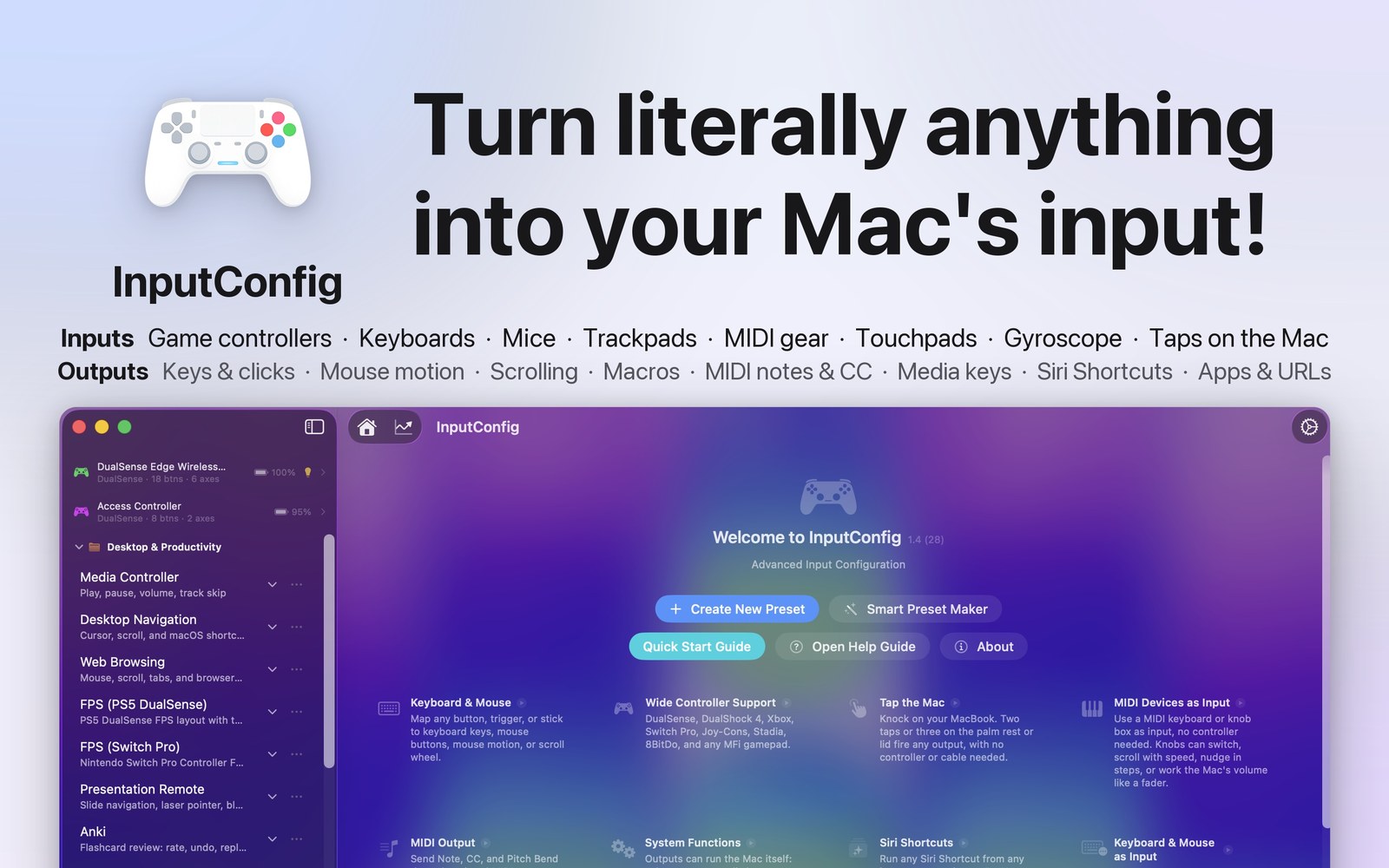
Works with the controllers you already own
PS5 DualSense and DualSense Edge, DualShock 4, Xbox Wireless, Nintendo Switch Pro, 8BitDo, and any MFi or HID compatible gamepad. Plug in, pick a preset, and go. Hundreds of presets ship in the box.
Buttons become anything
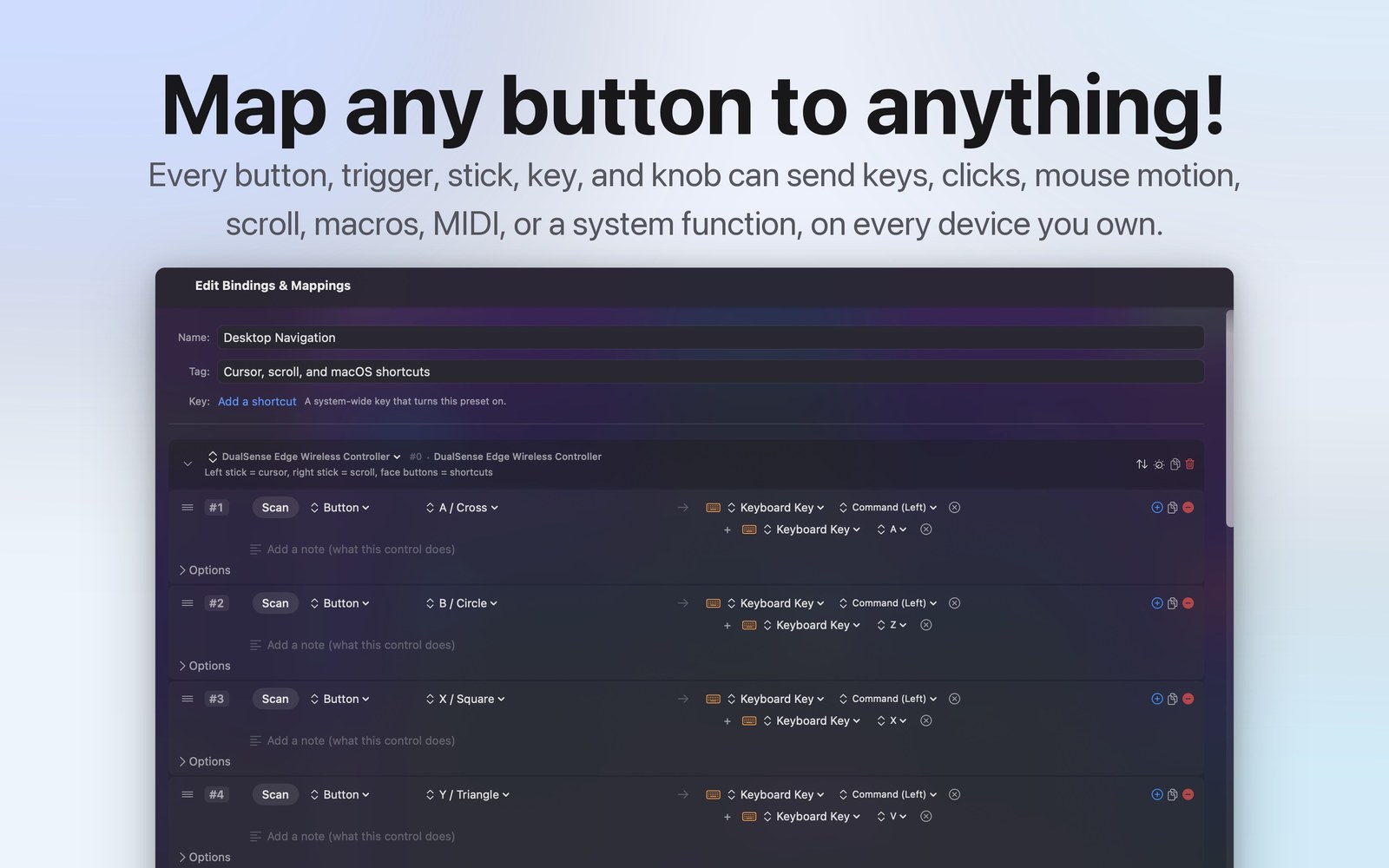
Every button, trigger, and stick can send a key, a click, mouse motion, scroll, a whole typed phrase, a macro, or MIDI to your DAW.
Press a control, bind it
Scanning maps any input the moment you touch it. No manual codes, no guesswork, and it works for your Mac's own keyboard and trackpad too.
Turbo, macros, haptics
Hold and double-tap actions, turbo, haptic feedback, and spoken phrases can all live on a single control at the same time.
See everything, tune everything
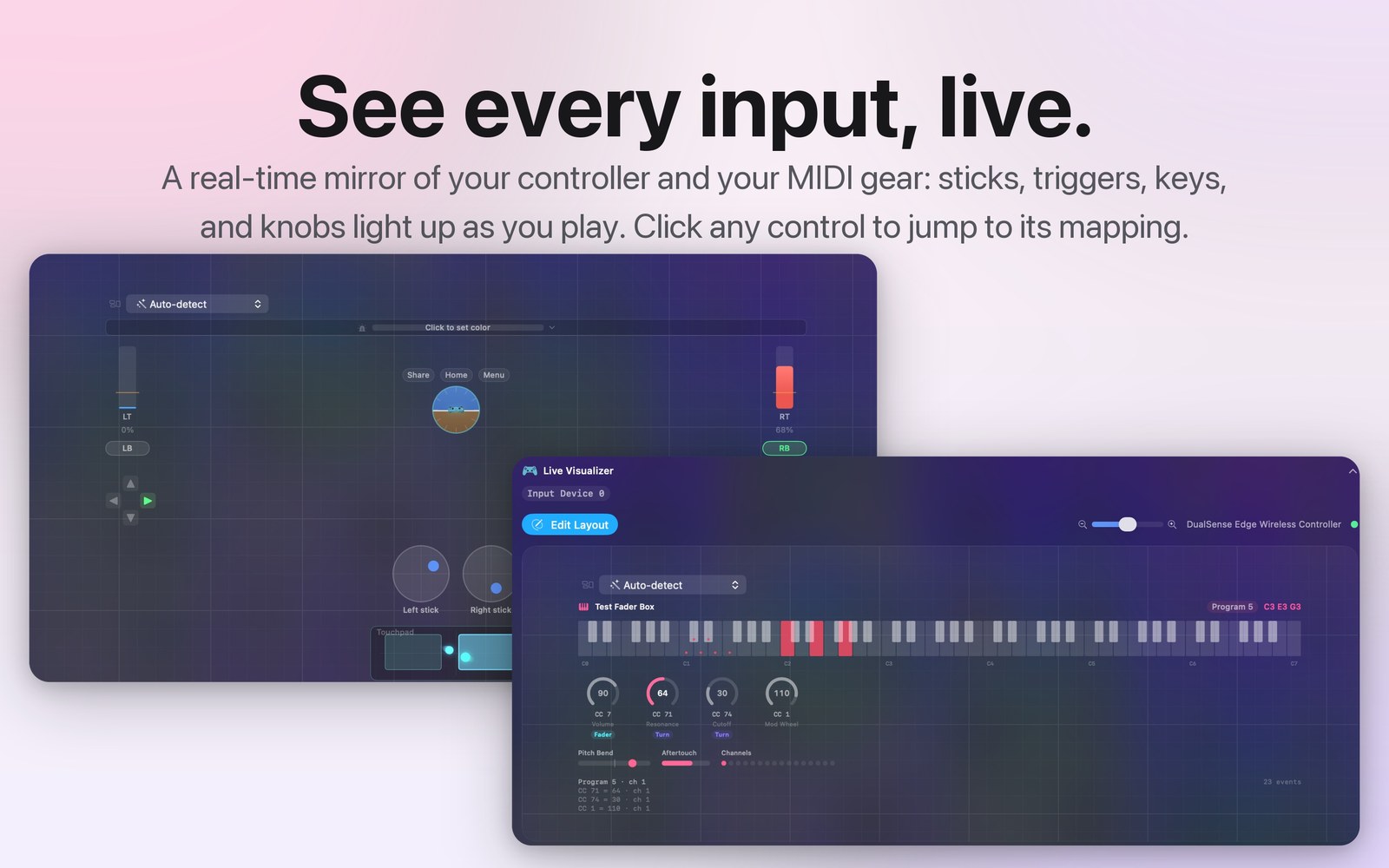
A live mirror of your controller
The visualizer lights up every button, stick, and trigger as you press it. Click any control on screen and jump straight to its mapping.
One control, any output
Keys, clicks, mouse motion, scroll, macros, MIDI notes and CC, app launches, and spoken phrases, across every controller you own at once.
Outputs no other mapper has
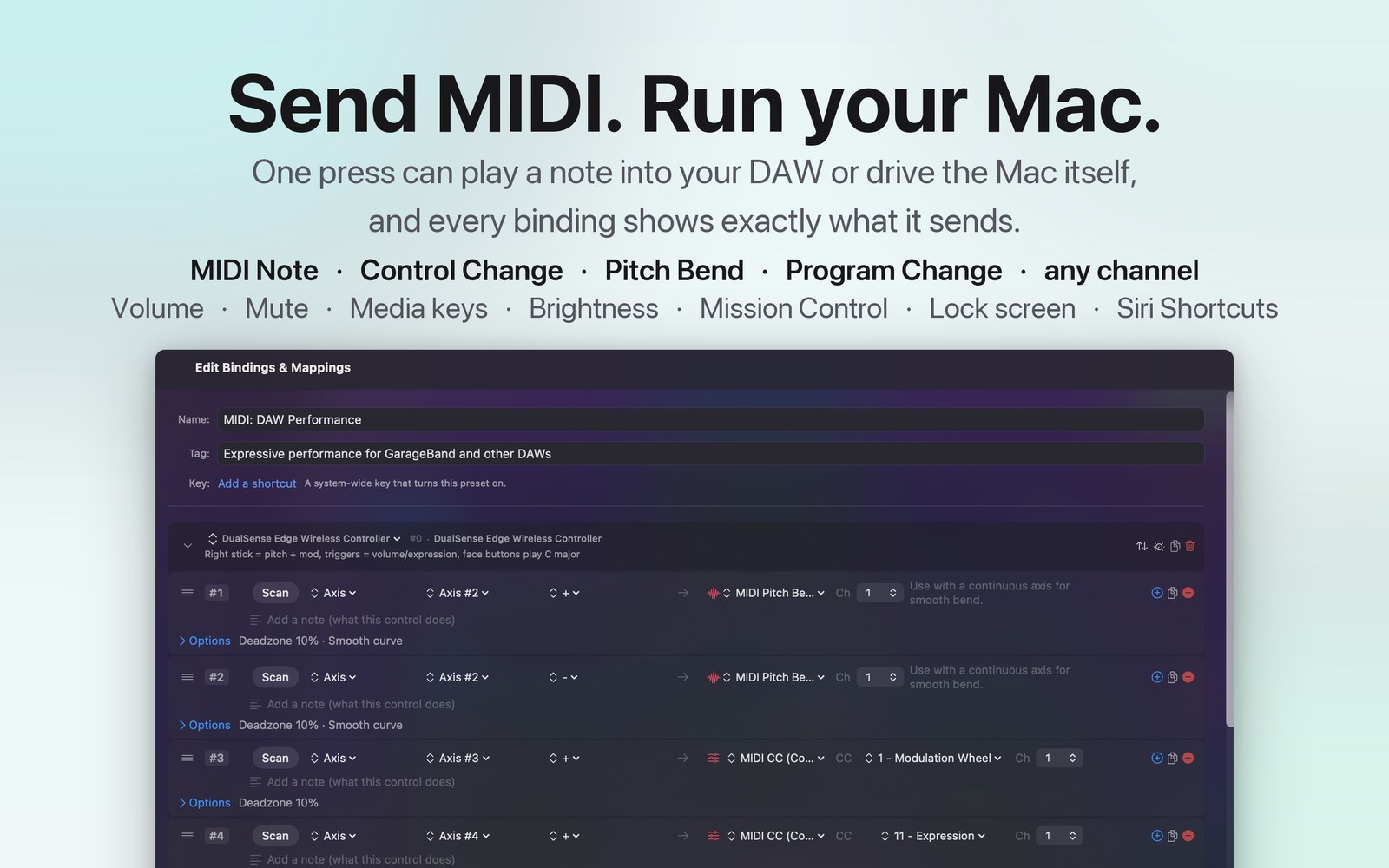
One input can drive MIDI, spoken phrases, and app launches, sent stacked or in sequence. Your Mac keyboard, mouse, and trackpad can be inputs too, including Force Touch pressure.
Tap your Mac
Your MacBook already has a motion sensor. InputConfig can feel you knock on the case, so you can trigger things with no hardware at all.
Nothing to plug in
No controller, no MIDI device, nothing connected. Tap the palm rest or the lid with a fingertip and the Mac's own accelerometer picks it up.
Double and triple
Two taps close together are a double, three are a triple, and a pause starts a new count. A single tap is left unbound so you never fire it by accident.
Typing is ignored
A keystroke shakes the case as hard as a tap does, so taps that land while you are typing are thrown away. Working at the keyboard never sets it off.
Download the Tap the Mac preset
Double tap for Mission Control, triple tap to start dictation. Open the file with InputConfig, or find it built in under Feature Showcases. Needs a Mac with a built-in motion sensor, which is any Apple silicon MacBook.
Made for every hand
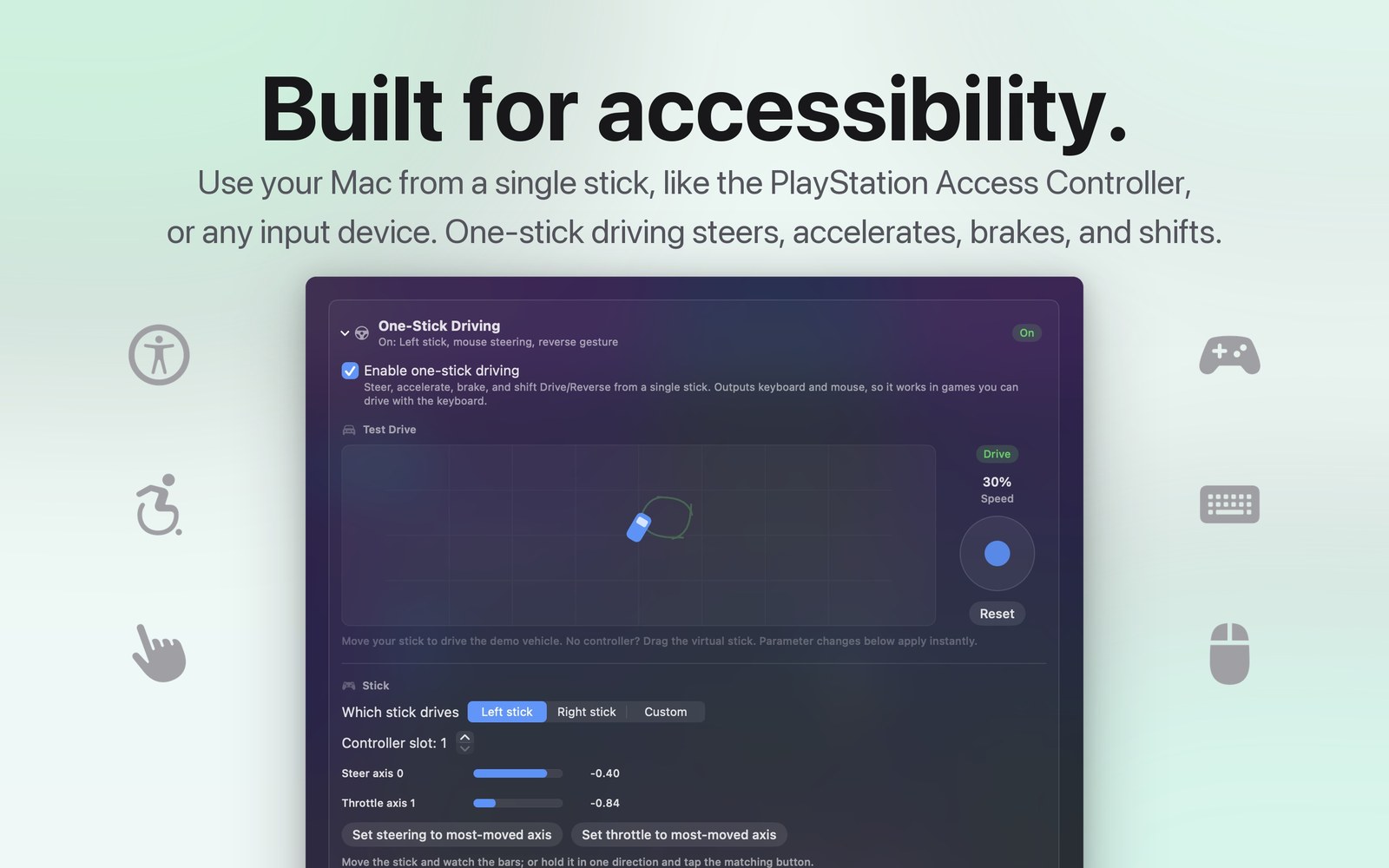
InputConfig is built with the PlayStation Access Controller and other adaptive hardware in mind. One-stick driving steers, accelerates, brakes, and shifts from a single control, and because it outputs real keyboard and mouse events, it works in games and apps that never planned for it. If a keyboard is hard for you, a controller can be your Mac.
One stick can drive everything
Steering, acceleration, braking, and shifting from one thumbstick, tuned with per-axis deadzones and response curves.
Questions people ask
Which controllers work with InputConfig on Mac?
PS5 DualSense and DualSense Edge, DualShock 4, Xbox Wireless, Nintendo Switch Pro, 8BitDo, and any MFi or HID compatible gamepad. Your Mac's own keyboard, mouse, and trackpad can be inputs too. No drivers are needed.
Is InputConfig really free?
Yes. It is free on the Mac App Store and open source on GitHub. No subscription, no account, no paid unlock. An optional tip jar exists if you want to support development.
Can I play games that do not support controllers?
Yes. InputConfig outputs real keyboard and mouse events, so anything that works with a keyboard works with your controller.
Does it work with the PlayStation Access Controller?
Yes. It is built with adaptive hardware in mind, and every control can be remapped to fit the hand you have.