Right click test
 InputConfig is completely free on the Mac App Store.
Right click the box as fast as you can. The timer starts on your first right click. When it ends you get your right clicks per second, your best for that length, your fastest gap between two clicks and a chart of every second. Left clicks aren't counted, and the shortcut menu stays closed inside the box.
Take the test
- Pick a length. Short tests show your top speed; 30 and 60 seconds show how long you can hold it.
- Right click the box as fast as you can. The first right click starts the timer.
- Keep going until the timer stops, then read the numbers under the box.
- Right click again to start over. Your best for each length stays in this browser.
- For a count with no clock, pick No timer and press Stop when you are done.
Read your result
- Clicks a second. Every right click divided by the length of the test.
- Your best at this length. Kept in this browser only, never uploaded, and separate from your left click scores.
- Fastest gap. The shortest time between two right clicks.
- Steadiness. How much the gaps between clicks vary. A smaller number is a steadier rhythm.
- Gaps under 30 ms. Pairs of clicks closer than a finger presses twice on purpose.
A worn right button fails the same way a left one does. Many gaps under 30 ms with ordinary clicking point to a right switch that double clicks.
If the right click does nothing
Climb this ladder, smallest step first:
- Click inside the box. Presses outside it are not counted.
- Use the right button itself. Only presses that arrive as the right mouse button count.
- Check the setting on a Magic Mouse. Its right click is the Secondary click setting, which can be off. Magic Mouse buttons has the steps.
- See what the computer receives. The mouse tester lights the button each press arrives as. Right click not working on a Mac has more fixes.
Test the other buttons too
The CPS test counts the left button the same way, and the double click test looks only at a button that clicks twice from one press. For the wheel, the scroll wheel test counts every step.
When you need the clicks, not the score
For a job that needs steady right clicking, an auto clicker is kinder to your hand than any technique. On a Mac, InputConfig, the free app I make, can put right clicking on any button or key: auto right click on a Mac has the setup.
How this fits with InputConfig
This page measures clicks and pointer movement. InputConfig is the free auto clicker and button mapper for the same jobs on a Mac: its Auto Clicker preset clicks on a timer and starts and stops with fn F6, and any mouse button up to 32 can do something else.
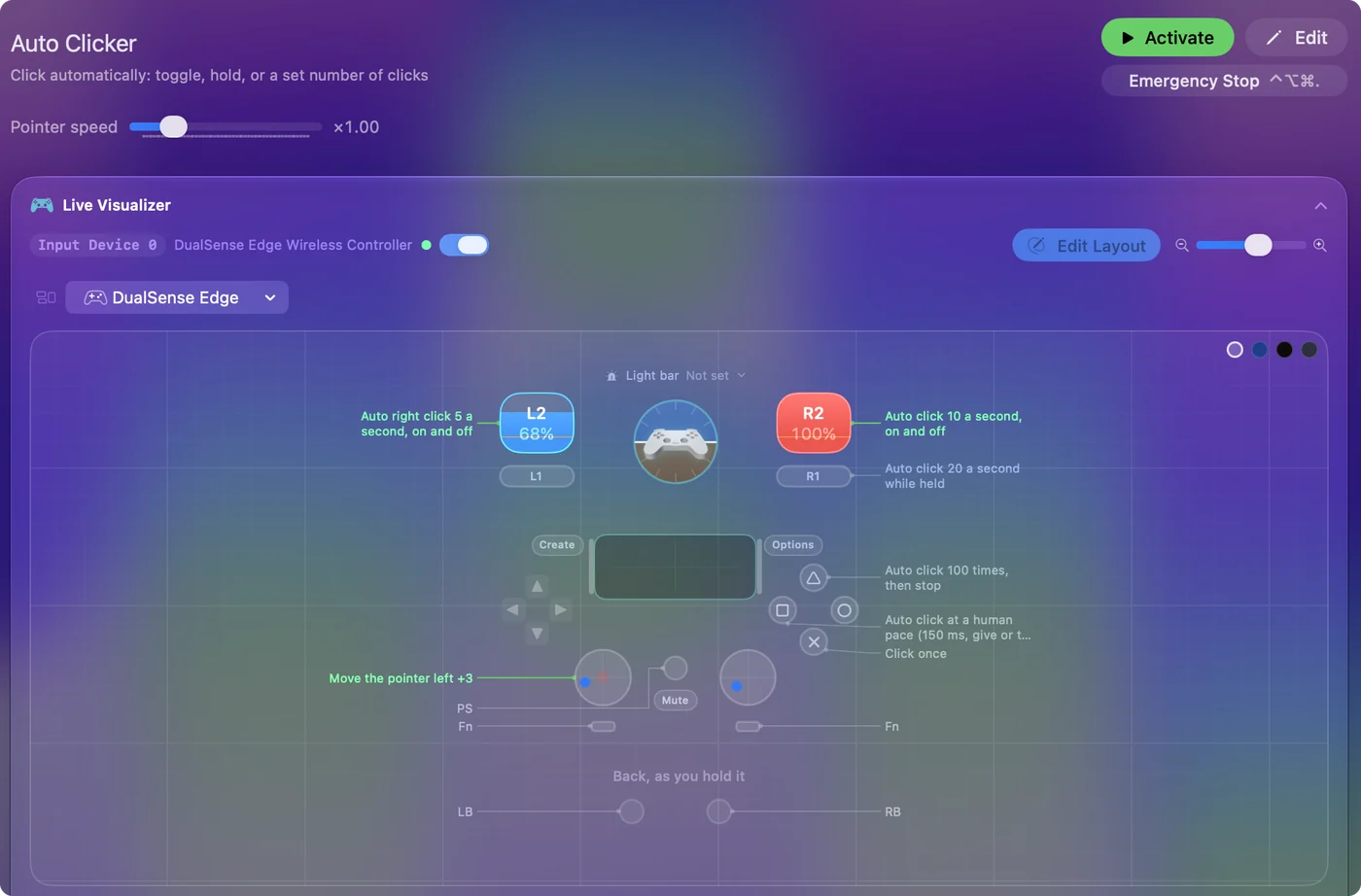
The free auto clicker for Mac shows it step by step.
More mouse and clicking tests
Questions
How do I test my right click?
Right click inside the box on this page. Every press of the right button is counted, and when the timer ends you see your right clicks per second and the gaps between them.
Does the right click menu open during the test?
No. Inside the box the shortcut menu is held back, so every right click is counted and nothing pops up.
What is a good right click CPS?
I have no separate figure for the right button. With one finger on the left button most people manage 6 to 8 clicks a second, by my rule of thumb, and that is a fair mark to compare against.
Why does my right click not register?
The press has to land inside the box, and it has to arrive as the right button. On a Magic Mouse the right click is a setting that can be off. The mouse tester shows which button each press arrives as.
Is there a right click test with no timer?
Yes. Pick No timer, right click for as long as you like, and press Stop. The rate is taken from your first right click to your last, and no best score is kept for an untimed run.
Related
Updated