Click counter
 InputConfig is completely free on the Mac App Store.
Click the button or press the space bar and the number goes up by one. It's a tally counter that remembers where you were.
Space or Enter adds one. Backspace takes one away.
Count with something other than the mouse
- The keyboard. Space and Enter add one, and Backspace takes one away, so you never have to look at the screen.
- A clicker, a pedal or a controller. Anything that sends a key or a click counts here. A foot pedal on a Mac shows how to make one send the space bar.
Use the space bar when your eyes are on what you are counting.
How this fits with InputConfig
These pages run on the space bar, a click or a key. InputConfig can press those for you from something else, a foot pedal, a controller button or a MIDI pad, which turns a pedal into a stopwatch button or a Morse key.
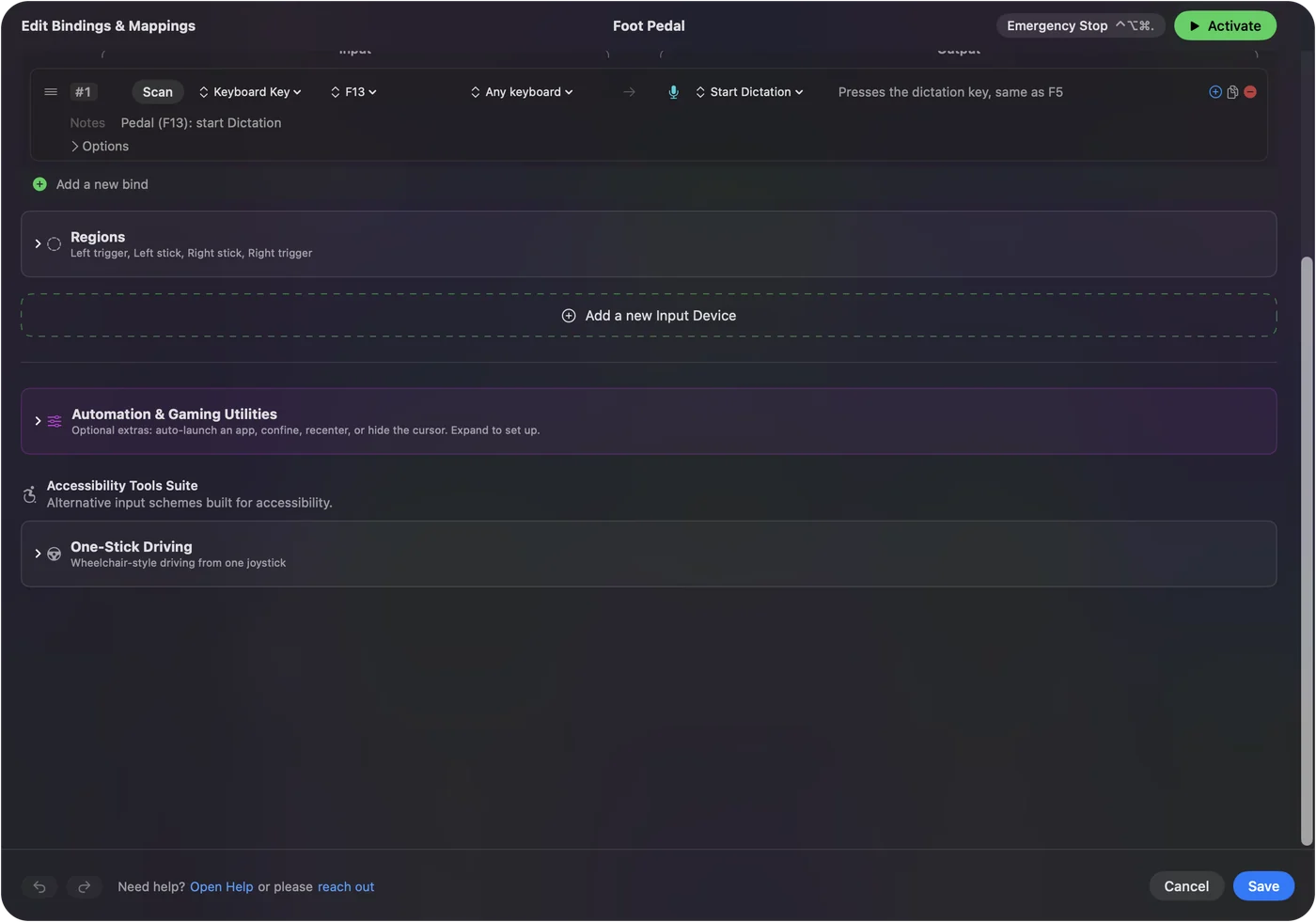
Foot pedal shortcuts on a Mac shows it step by step.
More timing and practice
Questions
How do I count clicks online?
Click the big button, or press the space bar or Enter. Each press adds one. The minus button or the Backspace key takes one away.
Does the counter save my number?
Yes. The count is kept in this browser, so it is still here when you come back. Reset sets it to zero.
Can I use it as a tally counter for people or reps?
Yes. Set a goal if you want one, and the page tells you when you reach it.
Can I count with a controller, a pedal or a clicker?
Anything that sends a key or a click works. InputConfig, a free Mac app, can make a controller button, a foot pedal or a MIDI pad send the space bar.
Related
Updated