Auto clicker Chrome extension on a Mac
 InputConfig is completely free on the Mac App Store. You don't have to make an account, there are no subscriptions, and nothing is locked. Optimized for Apple silicon.
A Chrome auto clicker extension works on a Mac, but only inside web pages in that browser. It cannot click a game, another app, the desktop or Chrome's own menus. For clicks anywhere on the Mac, InputConfig, free on the Mac App Store, has a built-in Auto Clicker preset that starts with fn F6.
Steps
- For a web page only, install an auto clicker extension from the Chrome Web Store.
- For anything else, install InputConfig from the Mac App Store.
- Allow InputConfig in System Settings, Privacy & Security, Accessibility.
- Activate the built-in Auto Clicker preset.
- Press fn F6 to start and stop.
Know where an extension can click
- It can click. Buttons and links inside a web page open in that browser.
- It cannot click. A Mac game, another app, the Dock, the desktop, or the browser's own toolbar and menus.
If the thing you want to click is not a web page, an extension cannot reach it.
Click anywhere with a Mac app
- You: Activate the Auto Clicker preset in InputConfig and press fn F6.
- InputConfig: Clicks where the pointer is, in any app, until you press fn F6 again.
- Check: The emergency stop, Control Option Command period, ends it at once.
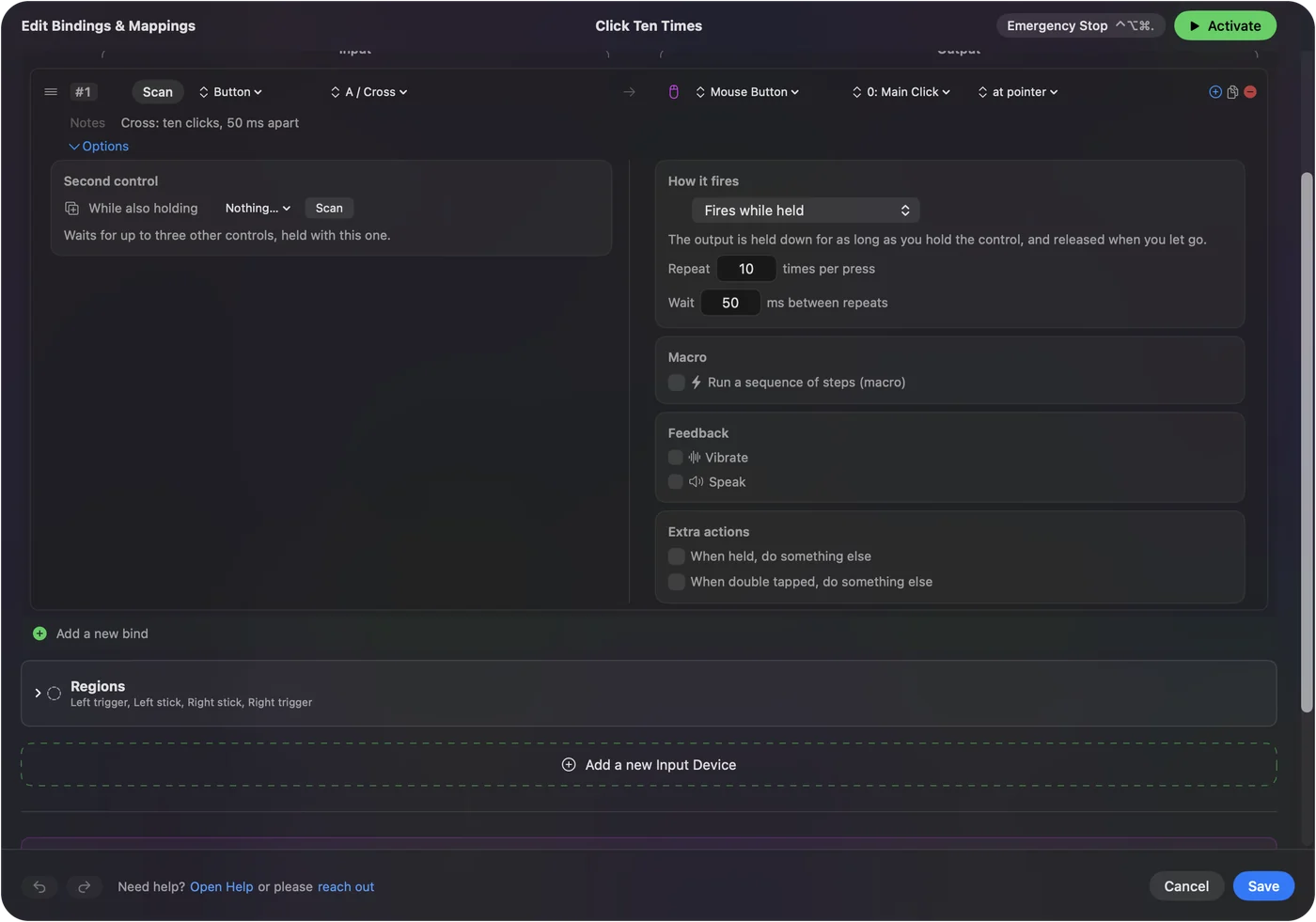
The gap between clicks, a random variation, a click limit and a fixed spot are all set in the row's Options. The free auto clicker for Mac has the full setup.
The short version
- Web pages only. A Chrome extension.
- Anything on the Mac. InputConfig's Auto Clicker preset, free.
Questions
Does an auto clicker Chrome extension work on a Mac?
Yes, but only inside web pages in Chrome. It cannot click games, other apps or the desktop.
What is a free auto clicker for Mac that works outside the browser?
InputConfig, on the Mac App Store. Its built-in Auto Clicker preset clicks in any app and starts with fn F6.
Related
This page in other languages: 日本語, 한국어, ไทย
Updated