What do MIDI In, Out and Thru mean?
 InputConfig is completely free on the Mac App Store. You don't have to make an account, there are no subscriptions, and nothing is locked. Optimized for Apple silicon.
MIDI In receives messages, MIDI Out sends the ones the device makes itself, such as the notes you play on its keys, and MIDI Thru passes on an exact copy of whatever arrives at MIDI In. Thru exists so one controller can reach several instruments in a row, without a separate output for each.
The ports are part of the MIDI standard. On a computer the same idea lives on in software, and that part is covered below.
On this page
Know the three ports
| Port | Direction | Carries |
|---|---|---|
| MIDI In | Into the device | Messages from another device |
| MIDI Out | Out of the device | What this device generates: its own keys, knobs and sequencer |
| MIDI Thru | Out of the device | A copy of what came in at MIDI In, unchanged |
Out is the device talking, and Thru is the device repeating what it heard.
Chain devices with Thru
- Connect the controller's MIDI Out to the first instrument's MIDI In.
- Connect that instrument's MIDI Thru to the second instrument's MIDI In.
- Carry on from Thru to In for each instrument after that.
- Give each instrument its own MIDI channel, so each plays only its own part.
Every instrument in the chain hears everything, and the channel decides who answers. MIDI channels explains how that works.
If MIDI Out is not working
Climb this ladder, smallest step first:
- Check the direction. Out goes to the next device's In. Out to Out, or In to In, carries nothing.
- Match the channel. The receiving instrument answers only on its own channel, so set both to the same one.
- Check the app's input. In a DAW, the track must listen to that device and be armed or monitoring.
- Look at the USB side. A USB MIDI device must be listed in the MIDI Studio window of Audio MIDI Setup. MIDI keyboard not working on a Mac goes further.
- Look at what leaves. Open the MIDI tester, play a key, and see whether the messages arrive.
If the tester sees the notes, MIDI Out works and the problem is further down the chain.
Use a thru box for a long chain
Each instrument in a chain hands the signal to the next, so the last one depends on every device before it. A thru box takes one MIDI In and copies it to several outputs at once, and each instrument gets its own cable from the box. A thru box replaces a line of devices with a star. It also helps when an instrument has no Thru port, which is common on small synths.
Know what thru means in software
- In a DAW. MIDI thru, sometimes called echo or input monitoring, sends what arrives at a track's input on to its output, so a keyboard plays the selected instrument.
- On a hardware synth. Some have one port that a setting switches between Out and Thru, and some can merge the two.
- Over USB. A USB MIDI device has no Thru port. Each device talks to the computer, and an app on the computer decides what is passed on.
With USB, the computer is the thru box.
Pass MIDI through on a Mac
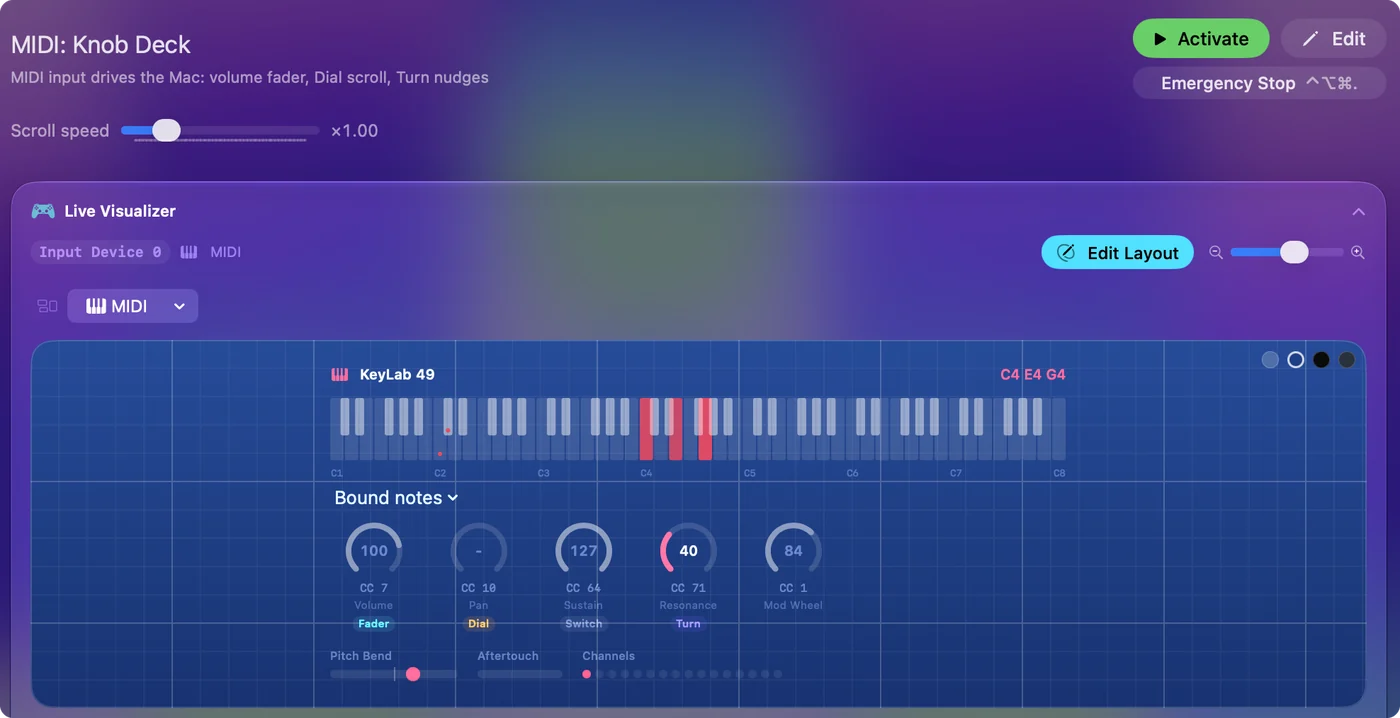
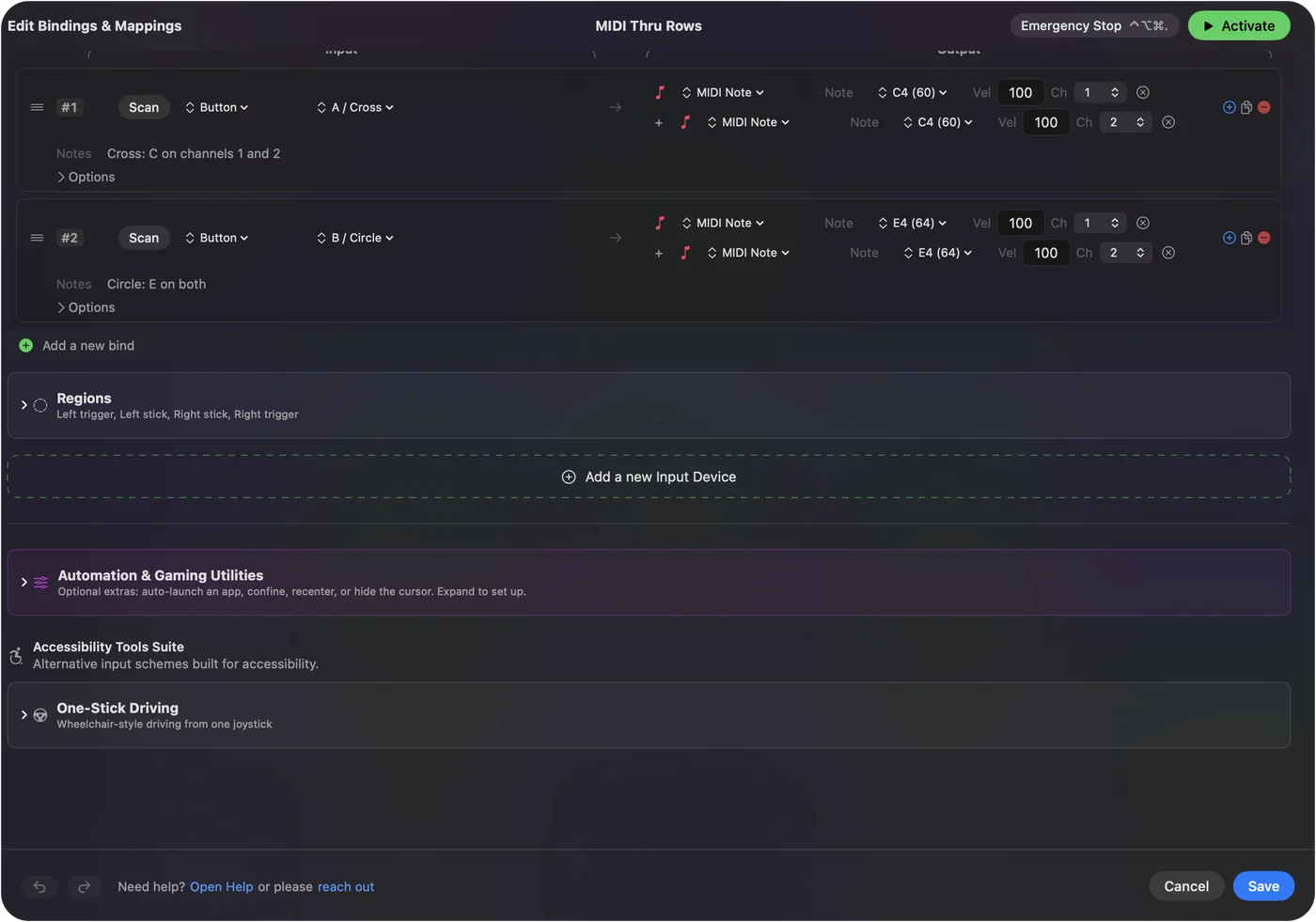
Two apps on a Mac pass MIDI to each other through an IAC Driver bus, which is the Mac's built-in virtual cable. A mapper can sit beside that without getting in the way: InputConfig, the free Mac app I make, reads a copy of what a MIDI device sends, so a DAW still hears every note while a pad also fires a shortcut. Reading a copy means nothing is taken out of the stream. Virtual MIDI port on a Mac and MIDI to keystroke on a Mac have the details.
The short version
- Out. What this device plays.
- Thru. It sends a copy of what this device receives.
- Chain. Run Out to In, then Thru to In, and give each instrument its own channel.
Use Out from the device you play and Thru from every device after it.
Questions
What is the difference between MIDI Out and MIDI Thru?
MIDI Out sends the messages a device generates itself. MIDI Thru sends a copy of the messages that arrive at its MIDI In, and nothing of its own.
What does MIDI out mean?
MIDI Out is the port a device uses to send the messages it generates itself, such as the notes you play on its keys, its knobs and its sequencer. It connects to the MIDI In of the next device.
Why is my MIDI Out not working?
Check that Out goes to the next device's In, that both use the same channel, and that the app's input is on and the track is armed. For USB, check the device in Audio MIDI Setup, then test with a MIDI tester.
What is a MIDI thru box?
A box with one MIDI input and several outputs that each carry a copy of it. It feeds several instruments from one controller without chaining them.
Do USB MIDI devices have MIDI Thru?
No. Each USB device connects to the computer, and software there routes messages from one device to another.
What does MIDI thru mean in a DAW?
It passes incoming MIDI on to the track's instrument or output as you play, so you hear the selected sound from your keyboard.
Related
Updated