Is there a free alternative to CoyoteMIDI on a Mac?
 InputConfig is completely free on the Mac App Store. You don't have to make an account, there are no subscriptions, and nothing is locked. Optimized for Apple silicon.
Yes. CoyoteMIDI turns MIDI notes and knobs into keystrokes, mouse clicks and MIDI messages on Windows and macOS, and its free tier allows 20 translations. InputConfig, the free Mac app I make, does the same core job with no limit on rows, and it also reads game controllers, keyboards and mice. CoyoteMIDI has things mine does not, a scripting engine and a recorder that keeps what you just played among them, and they are listed below.
What I say about CoyoteMIDI comes from CoyoteMIDI's own page, read on October 7, 2026. I have not run it, so this compares what each one says it does.
On this page
Know what CoyoteMIDI does
- Translations. An incoming MIDI message becomes a keystroke, a mouse click or another MIDI message. Its page lists script triggers as a Pro feature.
- Key combinations and macros. Any key combination. Its page marks complex multi-step macros, built with its scripting engine, as Pro only.
- A retrospective recorder. It keeps the MIDI you just played, so an idea is not lost if you were not recording.
- App-specific translations. A translation can fire only while a chosen app is running.
- Free and Pro. Its comparison table gives the free tier 20 translations and 10 MIDI modifiers, and Pro unlimited.
CoyoteMIDI is built around MIDI in and hotkeys out, on both Windows and the Mac.
Compare them side by side
| CoyoteMIDI | InputConfig | |
|---|---|---|
| Runs on | Windows and macOS | macOS |
| Cost | Free tier, with a paid Pro | Free, with nothing to buy |
| How many mappings | 20 on the free tier, unlimited on Pro | No limit |
| MIDI to keys and mouse | Yes | Yes, with hold and double-tap actions on every row |
| Knobs | Not covered on its home page | Three modes: Switch, Dial for scrolling, Turn for stepping, and the Mac's volume as a real fader |
| Scripts and complex macros | Yes, on Pro | No scripting. Macros are timed lists of keys and clicks |
| Retrospective MIDI recorder | Yes | No |
| Other inputs | MIDI devices | MIDI devices, game controllers, keyboards, mice and the MacBook's trackpad |
| MIDI out | MIDI message translations | Notes, Control Change, pitch bend, Program Change and transport, through its own virtual port |
They overlap on MIDI to keys, and differ on scripts on one side and controllers on the other.
Choose CoyoteMIDI if
- You need scripts. Conditions, variables and logic belong in a scripting engine, and InputConfig has none.
- You want the recorder. Nothing in InputConfig keeps what you just played.
- You work on Windows too. InputConfig is for the Mac only.
If your mappings need logic, a scripting tool is the right one. Bome MIDI Translator is the other well-known tool for rules and routing.
Choose InputConfig if
- You have more than 20 mappings and want to stay free. There is no cap, no account and no paid tier.
- You want knobs to do knob things. Scroll, step through frames or control the Mac's volume directly.
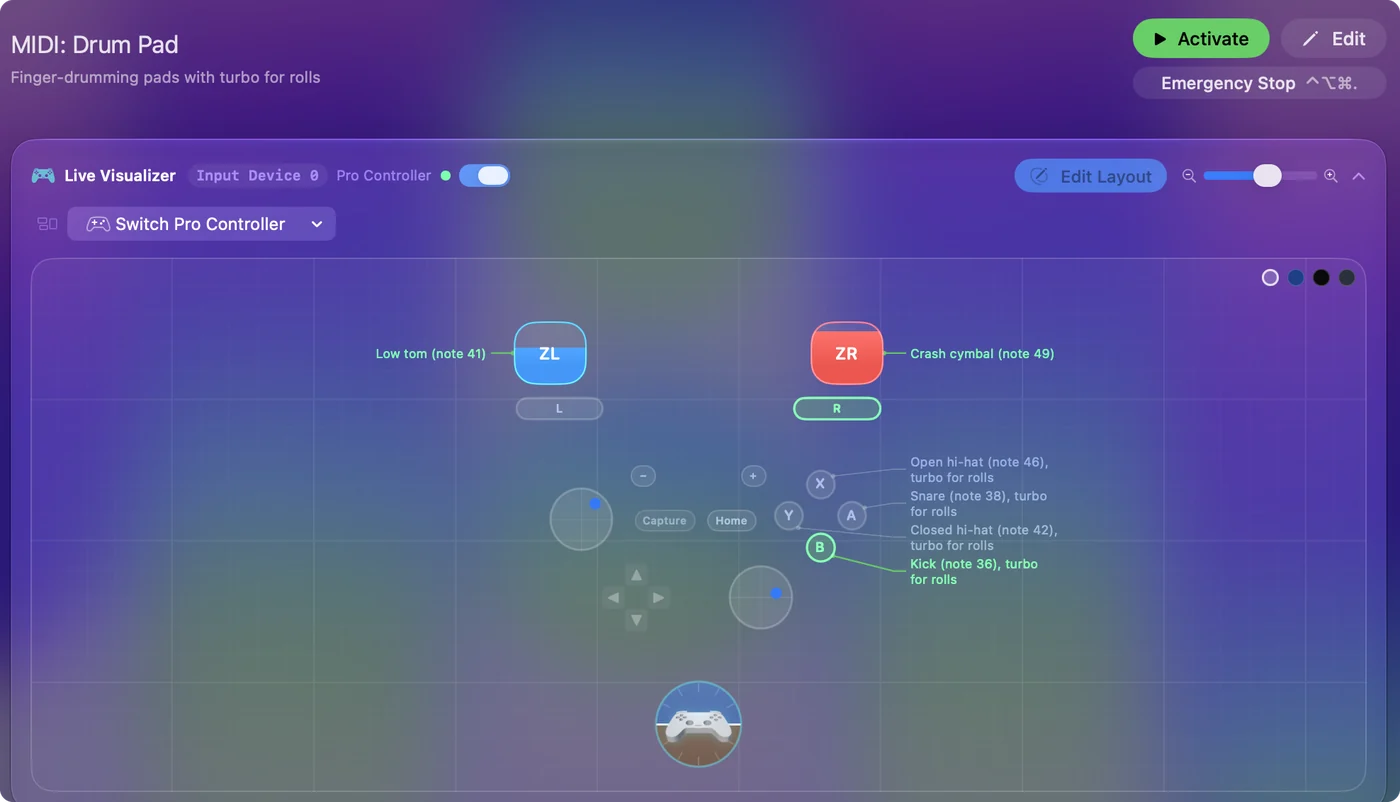
- You also own a game controller. The same preset can mix MIDI pads with controller buttons, and a controller can send MIDI to a music app.
- You want it from the Mac App Store. It is sandboxed, and its source is open.
If all you need is plain mappings, however many, it is hard to beat free. MIDI to keystroke on a Mac is the reference.
Move a simple setup across
- List each CoyoteMIDI translation: the note or control, and what it sends.
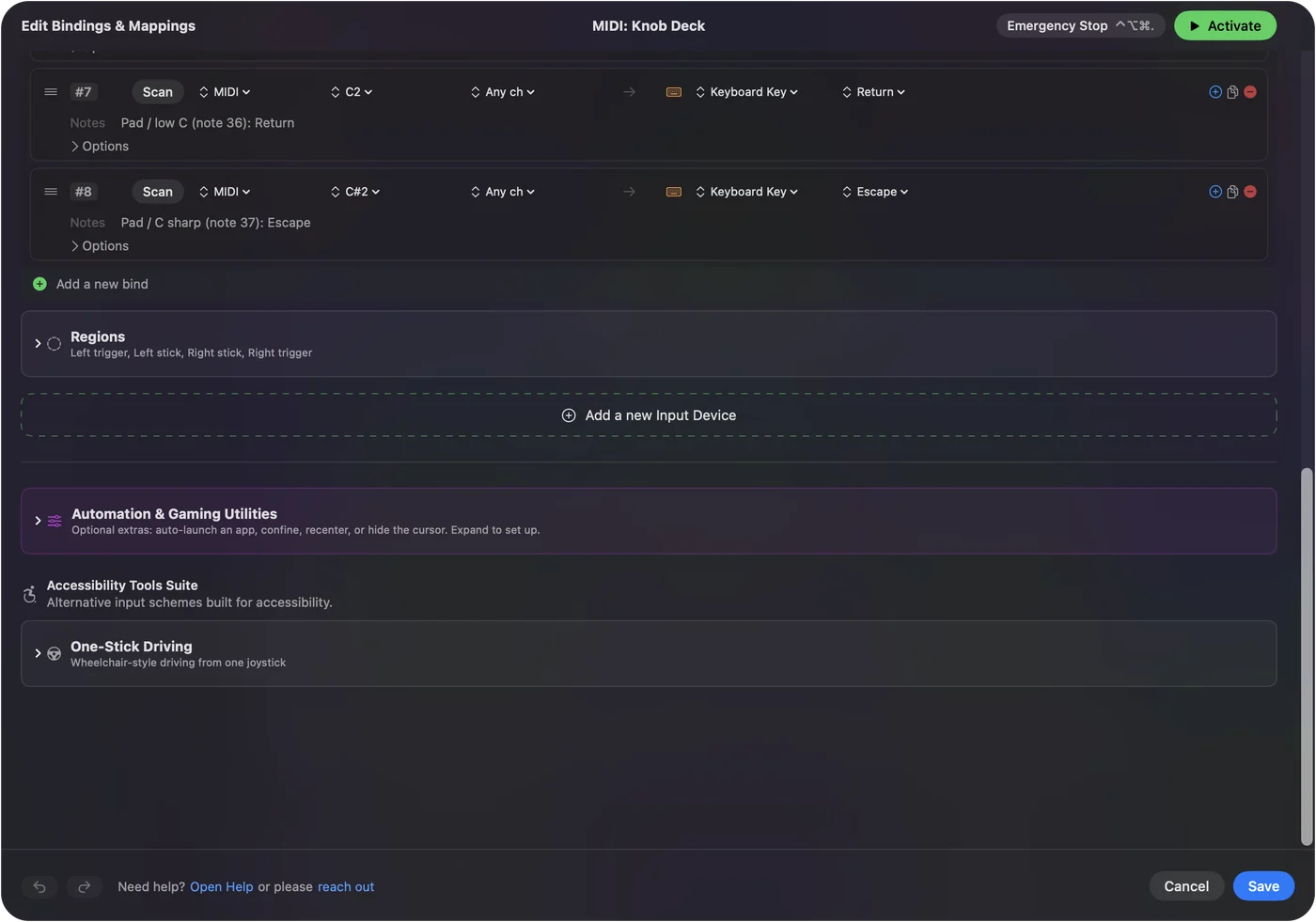
- In InputConfig, add a row, press Scan, and play the note or move the control.
- Choose the key, shortcut, click or macro.
- For a translation tied to one app, put the row in a preset with an auto-switch entry for that app.
Scan reads the note and the channel from the device, so there are no numbers to retype. Translations that run a script have no direct match and stay in CoyoteMIDI.
The short version
- CoyoteMIDI. It runs on Windows and Mac, with scripts on Pro and 20 translations free.
- InputConfig. It is Mac only and free with no cap, and it takes controllers as well as MIDI.
- Both. Both turn MIDI notes and knobs into keys and clicks.
Pick by whether you need scripts or simply more free mappings. MIDI to keystroke apps for Mac lists every other option.
Questions
Is CoyoteMIDI free?
It has a free tier and a paid Pro. Its own comparison table gives the free tier a limit of 20 translations and puts script triggers in Pro.
Does CoyoteMIDI work on a Mac?
Its page offers downloads for both Windows and macOS.
What is a free alternative to CoyoteMIDI for Mac?
InputConfig, free on the Mac App Store, turns MIDI notes, knobs and pedals into keys, shortcuts, macros and mouse clicks with no limit on the number of mappings.
Does InputConfig have scripting like CoyoteMIDI Pro?
No. It has macros, hold and double-tap actions and per-app layouts, but no scripting language.
Can InputConfig make a mapping work in only one app?
Yes. Give a preset an auto-switch entry for the app, and its rows run only while that app is in front, once automatic switching is turned on.
Related
This page in other languages: Français
Updated