What is MIDI SysEx?
 InputConfig is completely free on the Mac App Store. You don't have to make an account, there are no subscriptions, and nothing is locked. Optimized for Apple silicon.
SysEx, short for System Exclusive, is the MIDI message for everything the standard messages cannot say. It starts with the byte F0, names the maker it is meant for, carries as many data bytes as it needs, and ends with F7. Makers use it for patch dumps, firmware updates and settings that have no Control Change number. A device that does not recognize the maker ignores the whole message.
The format is part of the MIDI standard. Most everyday MIDI work never touches it, and the last section says when you can leave it alone.
On this page
Read the message
| Part | Bytes (hex) | Meaning |
|---|---|---|
| Start | F0 | System Exclusive begins |
| Maker ID | One byte, or three bytes beginning 00 | Which maker's devices should read it |
| Data | Any number of bytes, each 00 to 7F | Whatever the maker defined |
| End | F7 | System Exclusive ends |
SysEx has no MIDI channel. Some makers put a device number inside the data, so one unit of several can be addressed.
Everything between the maker ID and F7 means only what that maker says it means. The MIDI message decoder reads pasted bytes and reports how long a System Exclusive message is.
Know the universal messages
Two maker IDs belong to no maker. 7E marks a universal message that is not tied to timing, and 7F marks a universal real-time one. Any device may answer them.
| Message | Bytes (hex) | What it does |
|---|---|---|
| Identity Request | F0 7E 7F 06 01 F7 | Asks every device to report its maker, model and version |
| General MIDI On | F0 7E 7F 09 01 F7 | Puts a General MIDI instrument into its standard state |
| Master Volume | F0 7F 7F 04 01, two value bytes, F7 | Sets the whole device's volume |
An Identity Request is the standard way to ask a device what it is.
Know what it is used for
- Patch dumps. Saving a synth's sounds to a computer and sending them back, the job of a SysEx librarian.
- Firmware updates. Many devices take new firmware as a long run of SysEx messages.
- Deep settings. Parameters that have no Control Change number, edited from a maker's editor app.
- Sample and bulk transfers. Any large block of data a device needs to move over MIDI.
SysEx moves data, where the other messages play music.
Send and receive it on a Mac
- A librarian or editor app. The maker's own editor, or a SysEx librarian, sends a file to the device and records what the device sends back.
- The right port. The device must be connected and online in Audio MIDI Setup's MIDI Studio.
- A browser. Web pages need a separate, stronger permission to use SysEx, because it can rewrite a device. Most MIDI tools on this site do not ask for it. The MIDI SysEx monitor is the one that does, so you can read a dump or send an Identity Request from Chrome, Edge or Firefox.
Send a device only the SysEx its own maker published for it. Audio MIDI Setup on a Mac covers the MIDI Studio window.
Find a SysEx librarian
A librarian is an app that saves what a device sends as a .syx file and sends the file back later. It is the usual way to back up a synth's patches before you change anything.
- You: Connect the device, check that it is listed in the MIDI Studio window of Audio MIDI Setup, then open a librarian or the maker's own editor and pick the device as the port.
- The librarian: Records the dump the device sends and saves it as a .syx file.
- Check: The saved file is not empty. Back it up before you send anything to the device.
For a quick look at a dump, or to send an Identity Request or a .syx file from the browser, the MIDI SysEx monitor works in Chrome, Edge and Firefox. Safari has no Web MIDI, which its own page explains. The SysEx librarian for Mac page goes through the steps and what to do when a dump fails. Save a backup of the device's sounds before you send it anything.
Leave it alone for everyday control
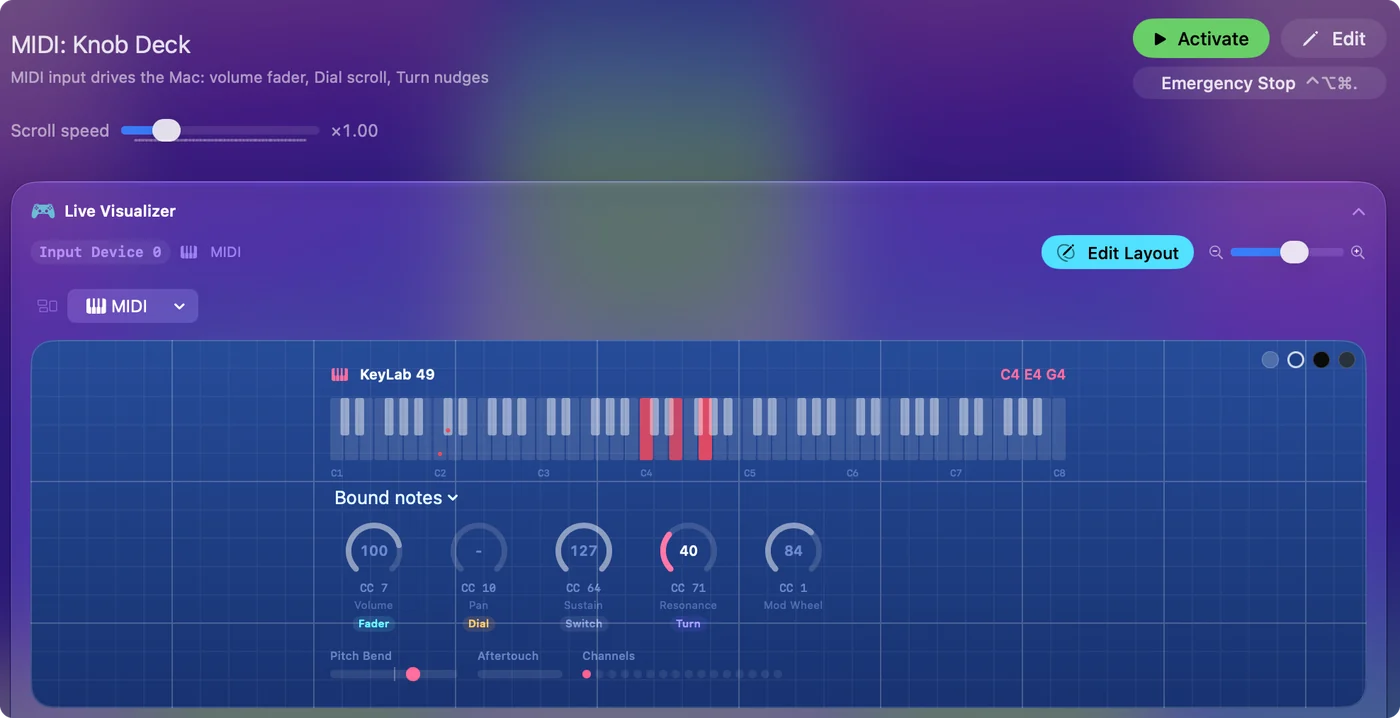
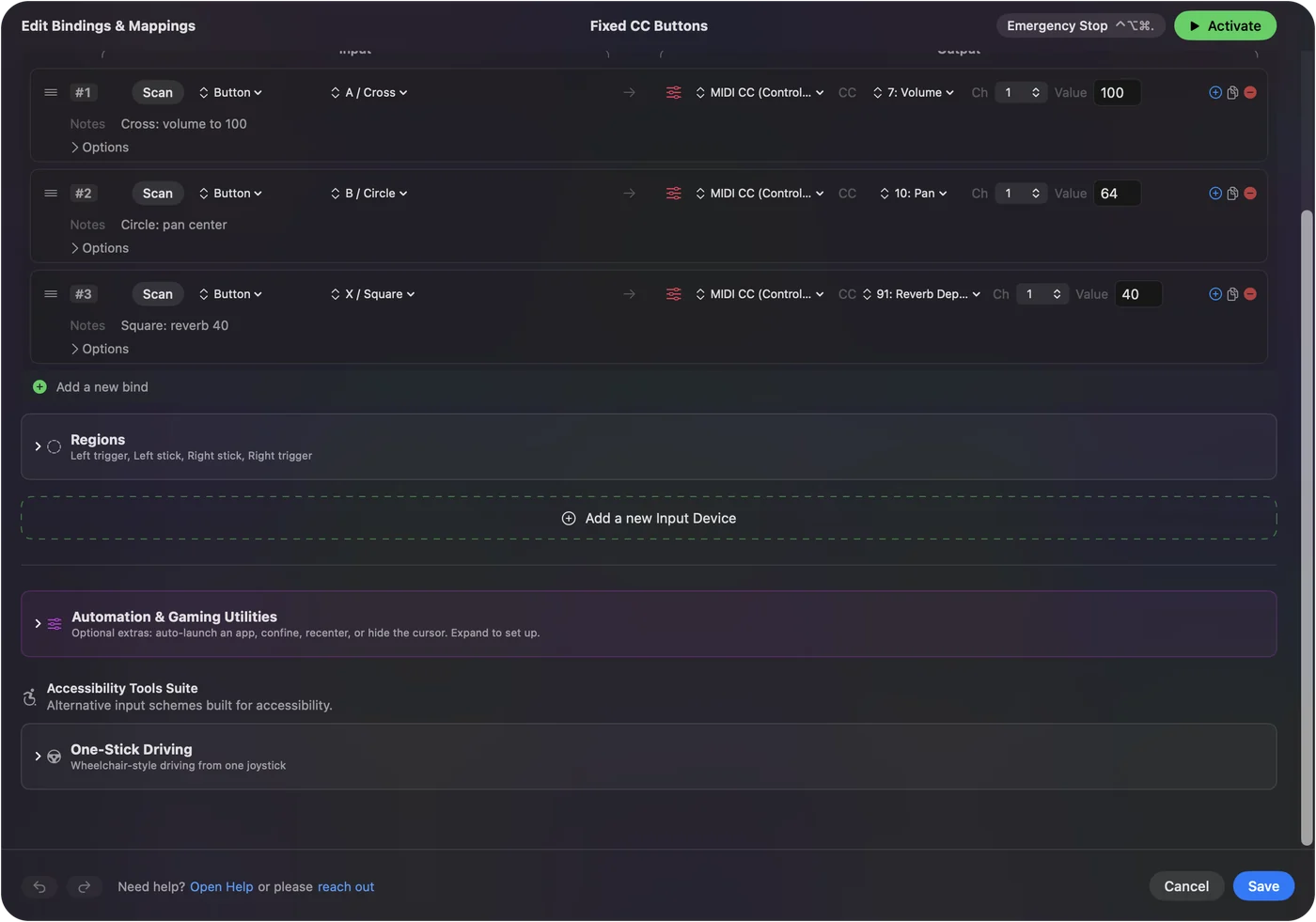
Notes, knobs, pedals and patch changes all have standard messages, and those are the ones a mapper uses. InputConfig, the free Mac app I make, binds notes, Control Change, pitch bend, aftertouch, Program Change and the transport messages, and sends the same set apart from aftertouch. System Exclusive is not among them. If a control has a CC number, you do not need SysEx to reach it. The MIDI CC list shows which numbers are standard.
The short version
- Shape. It starts with F0, then a maker ID, then the data, and it ends with F7.
- Meaning. That is up to the maker, apart from the universal messages.
- Use. It is used for dumps, firmware, and settings that have no CC.
SysEx is MIDI's envelope for anything a maker wants to send.
Questions
What does SysEx stand for?
System Exclusive. The name means the message is exclusive to one maker's system: other makers' devices ignore it.
What is the format of a SysEx message?
It starts with F0, then a maker ID of one byte or three, then any number of data bytes from 00 to 7F, and ends with F7.
What is a SysEx file?
A file, usually ending in .syx, that holds one or more SysEx messages, such as a bank of synth patches or a firmware update.
Can SysEx damage a device?
The wrong data can overwrite patches or interrupt a firmware update. Send only files the maker published for that exact model, and back up first.
Is there a SysEx librarian for Mac?
Yes. Many makers offer their own editor, and independent librarian apps save a device's dump as a .syx file and send it back. A browser tool can read a dump or send a file in Chrome, Edge or Firefox.
Can InputConfig send SysEx?
No. InputConfig binds and sends notes, Control Change, pitch bend, Program Change and the transport messages, and it also reads aftertouch. System Exclusive is not among them, so it can neither send a dump nor read one.
Related
This page in other languages: Español, Français, Italiano, 日本語, Nederlands, Português, Русский, ไทย
Updated