Can a Stream Deck be a MIDI controller on a Mac?
 InputConfig is completely free on the Mac App Store. You don't have to make an account, there are no subscriptions, and nothing is locked. Optimized for Apple silicon.
Yes. InputConfig, the free Mac app I make, reads Stream Deck keys as inputs and can send MIDI from each one: a note, a Control Change, a Program Change, or Start and Stop. Music apps see the result as a MIDI input named InputConfig, so there is no plug-in to install in Elgato's app and no virtual MIDI cable to set up. Stream Deck support is experimental, and I have not tested every model.
One limit comes first. Keys are read, and the dials and touch strip on a Stream Deck +, + XL or Studio are read as buttons, with a turn or a swipe as one short press, so this gives you MIDI buttons, not MIDI knobs.
On this page
Steps
- Open InputConfig, Devices in the menu bar and tick the Stream Deck under USB.
- Add a row, press Scan, and press a Stream Deck key.
- Choose a MIDI output for the row: Note, CC, Program Change or Transport.
- In the music app, enable the InputConfig MIDI input and arm a track.
Set it up
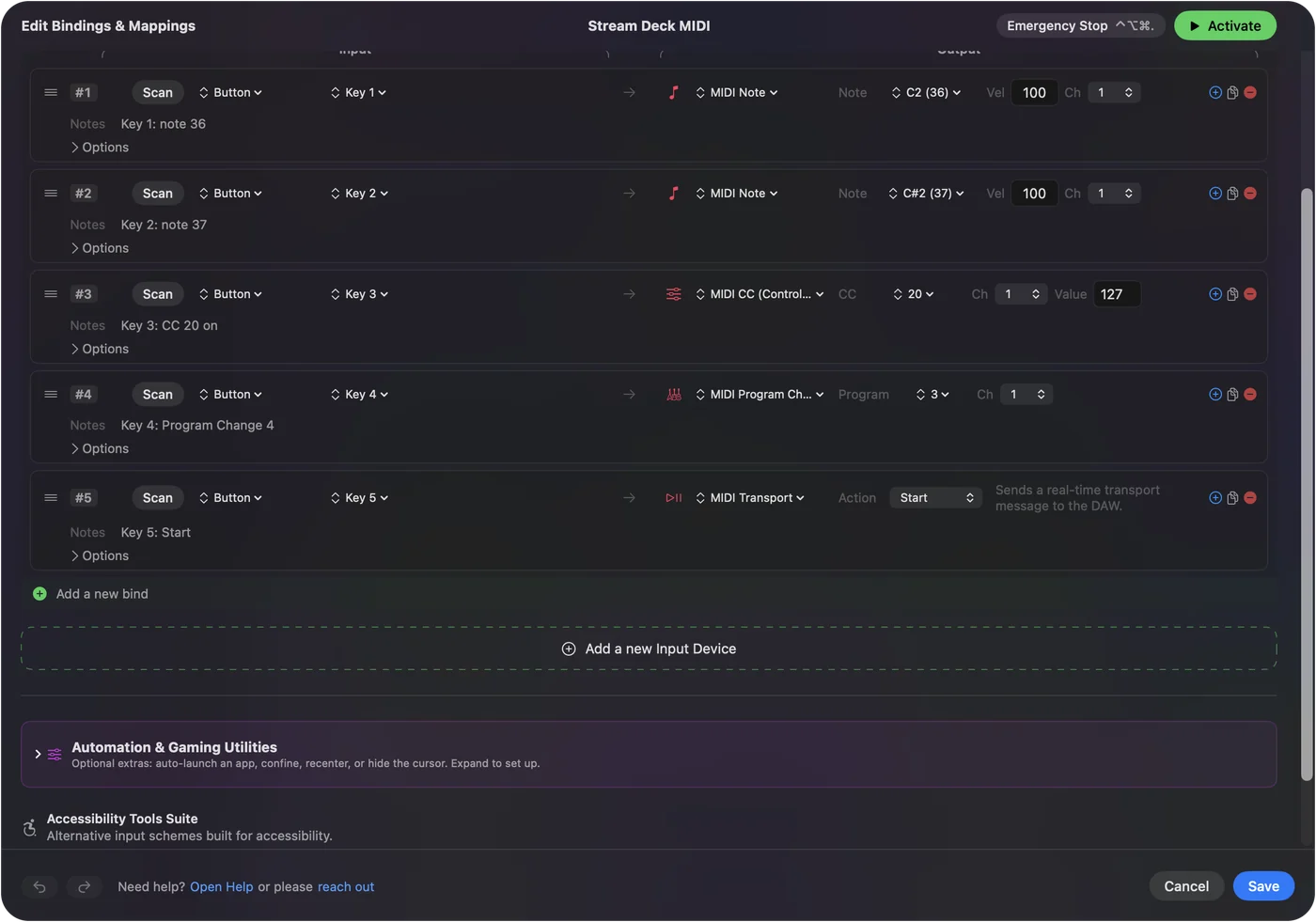
- You: Tick the Stream Deck in InputConfig, Devices. Add a row, press Scan, press a key on the deck, and choose MIDI Note as the output.
- InputConfig: Fills the row with the key's name, Key 1, Key 2 and so on, and sends the note through its own MIDI port for as long as the key is held.
- Check: With a software instrument track selected in the music app, the key plays a note.
- Logic Pro and GarageBand. Nothing to switch on. They listen to every MIDI source.
- Ableton Live. In Settings, Link, Tempo and MIDI, switch on Track and Remote for the InputConfig input.
- Other music apps. Enable the InputConfig input in the app's MIDI settings.
The deck becomes one more MIDI device, with no plug-in in between.
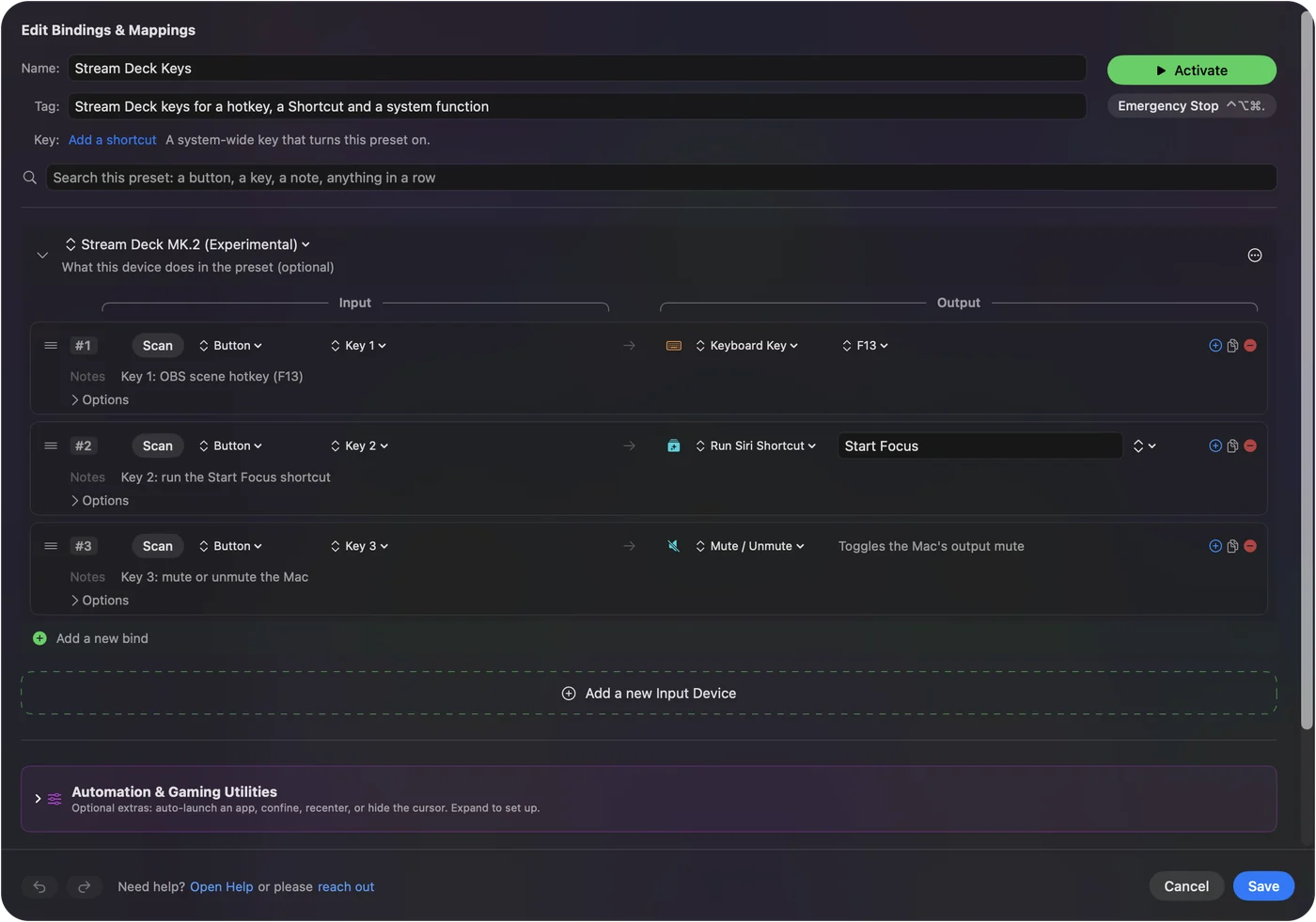
Know what each key can send
| Output | What a key does | Good for |
|---|---|---|
| MIDI Note | Note on while the key is held, note off when it is released, at the velocity set in the row | Drum pads, samples, clip launching |
| MIDI CC | The value you set when pressed, and 0 when released | Mutes, effect switches, anything learned as a button |
| Program Change | One message per press | Changing a patch or a preset |
| Transport | Start, Stop or Continue, once per press | A music app that follows external transport |
| Pitch Bend | Full bend while held, back to the center on release | A dive or a whammy effect |
Each row also takes a channel, from 1 to 16. Fifteen keys are fifteen pads, each with its own note, channel and velocity. MIDI output covers every setting.
Check that your model is read
| Model | What is read |
|---|---|
| Stream Deck (15 keys), original and MK.2 | Key 1 to Key 15 |
| Stream Deck Mini | Key 1 to Key 6 |
| Stream Deck XL | Key 1 to Key 32 |
| Stream Deck Neo | Key 1 to Key 8, plus the two touch points |
| Stream Deck + | Key 1 to Key 8, then the dials and the touch strip as buttons: press, turn either way, tap, long press and swipe |
| Stream Deck + XL and Studio | Their keys, then the dials and the touch strip where the model has one, as buttons, the same way as the + |
| Stream Deck Module 15 | Key 1 to Key 15 |
| Stream Deck Pedal | Left, Middle and Right pedal |
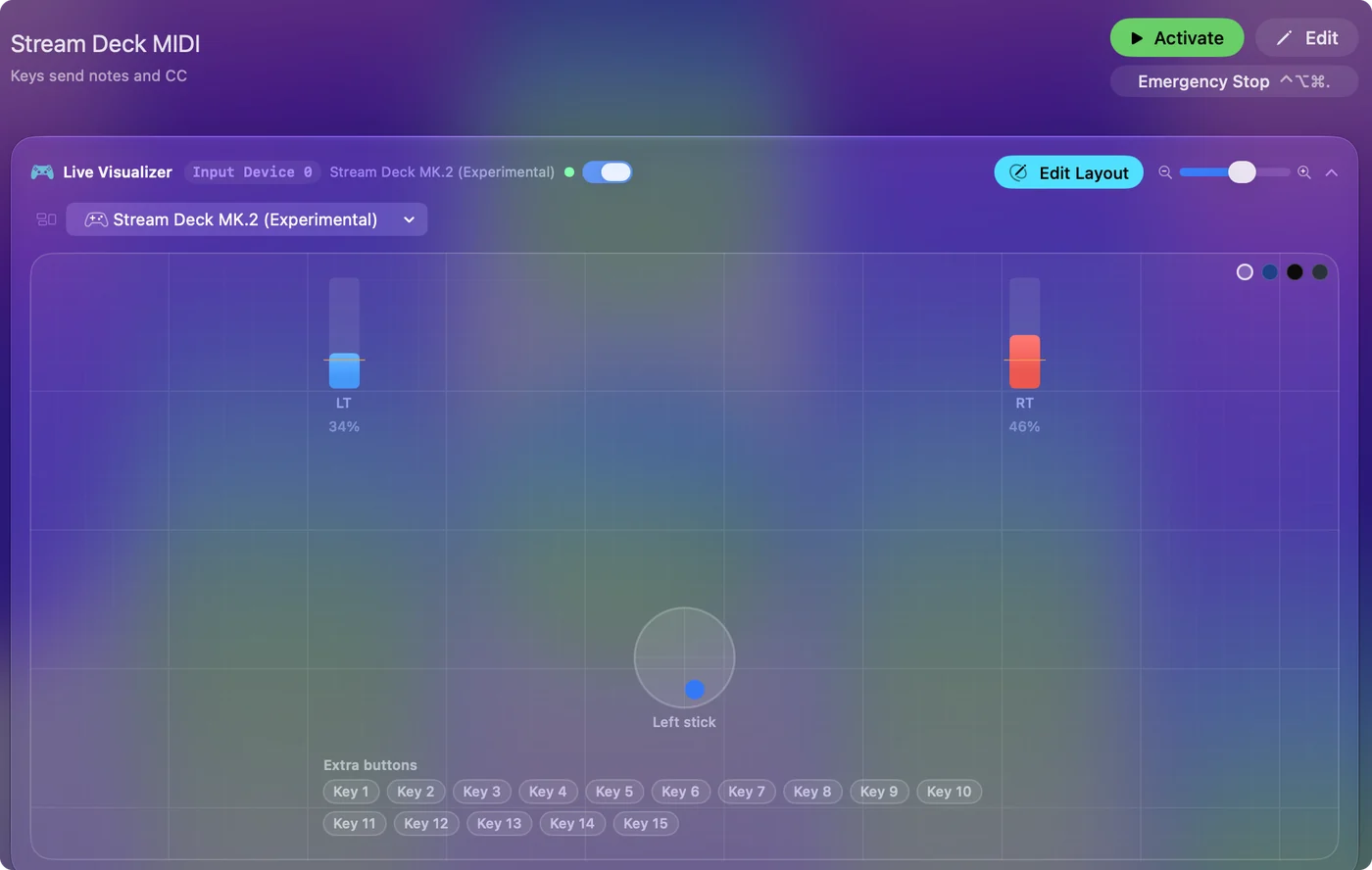
The key layouts follow an open source library, and I have not tested every model, the Pedal included. Press Scan and a key: if the row fills with a key name, that key can send MIDI. Stream Deck without Elgato's software has the details.
Run it beside Elgato's app
InputConfig opens the deck without taking it away from Elgato's app, so both hear every press. Leave the keys you want for MIDI empty in Elgato's app, or a key will do both jobs. Keep Elgato's app for the keys that need pictures and plug-ins, and give InputConfig the rest. Split the keys: pictures and plug-ins on some, MIDI on the others. InputConfig does not draw anything on the keys, so the keys it handles stay blank.
Map a key in the music app
A key that sends a note or a CC can be learned like any MIDI button. In Ableton Live, press Command M, click a clip slot or a switch, press the key, and press Command M again. In Logic Pro, select a control, press Command L, press the key, and press Command L again. Learn one key at a time, because the app takes the first message it hears. Ableton Live and Logic Pro and GarageBand have the full steps, which are the same for a deck as for a game controller.
Know what it cannot do
- Dials as knobs. The dials and touch strip on the +, + XL and Studio are read as buttons, with a turn as one short press, so they cannot send a sweep of CC values.
- Feedback. The music app never tells the deck anything, so no key shows whether a clip is playing or a track is muted.
- Pictures. InputConfig draws nothing on the keys.
- Velocity from touch. A key is on or off. Each note plays at the velocity set in its row.
For knobs, a game controller's sticks and triggers do the sweeping. Gamepad to MIDI on a Mac puts Control Change and pitch bend on them, and deck rows and controller rows can share a preset.
The short version
- Tick the deck. You do that under InputConfig, Devices.
- Scan a key. Then choose Note, CC, Program Change or Transport.
- Enable the input. Turn on the InputConfig input in the music app.
A Stream Deck is a grid of MIDI buttons once something sends the MIDI for it.
Questions
Can a Stream Deck send MIDI?
Yes, on a Mac with InputConfig, a free app that reads the deck's keys and sends a MIDI note, Control Change, Program Change or transport message from each one. The feature is experimental.
Do I need a Stream Deck MIDI plug-in?
Not for this. InputConfig is a separate app that reads the keys itself and has its own MIDI port, so nothing is installed in Elgato's app.
Can the Stream Deck + dials send MIDI CC?
Not as a sweep. InputConfig reads each dial on a +, + XL or Studio as buttons, a press and a turn either way, with a turn as one short press, so a dial can trigger or step but not sweep a CC.
Does it work with Ableton Live and Logic Pro?
Yes. Both see InputConfig as a MIDI input. Use Ableton's MIDI Map Mode or Logic's Learn Assignment to tie a key to a clip, a switch or a control.
Do I have to quit Elgato's Stream Deck app?
No. Both can run at once. Leave the keys you use for MIDI empty in Elgato's app so a press does not do two things.
Is it free?
InputConfig is free on the Mac App Store, with no account and nothing to buy inside it.
Related
Updated