Is there a PlayStation Accessories app for Mac?
 InputConfig is completely free on the Mac App Store. You don't have to make an account, there are no subscriptions, and nothing is locked. Optimized for Apple silicon.
No. Sony offers PlayStation Accessories as a Windows download, for Windows 10 (64 bit) and Windows 11, and has no Mac version. The app updates a DualSense or DualSense Edge and is where an Edge's profiles are edited on a PC. On a Mac, an update has to happen on a PS5 or a PC once. Changing what the buttons do does not: a mapper handles that on the Mac itself.
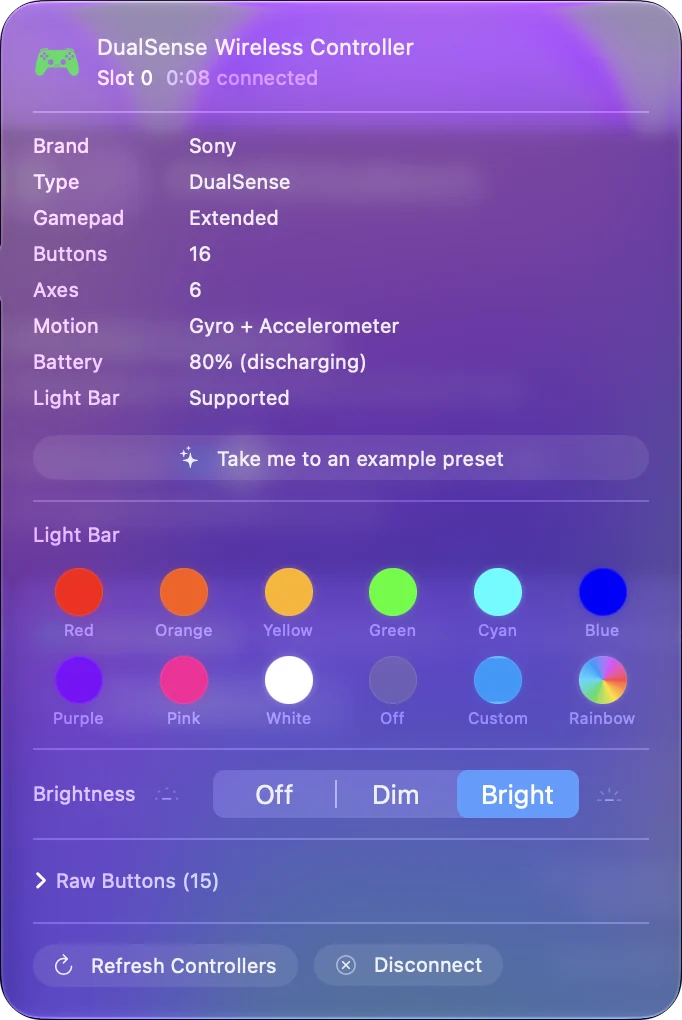
I make InputConfig, a free Mac app that maps a DualSense to keys, mouse and macros, reads the Edge's back paddles and FN buttons, and sets the light bar. It also sets the adaptive triggers' resistance, and over USB-C it lists an Edge's four stored profiles with what each one remaps. It never touches the controller's firmware, and it does not edit Edge profiles.
On this page
Match each job to a Mac route
| In PlayStation Accessories | On a Mac |
|---|---|
| Update the controller | Not possible. Use a PS5 or a Windows PC once |
| Check the firmware version | Not shown on a Mac |
| Edit DualSense Edge profiles | Make them on a PS5 or PC. They are stored on the controller, and InputConfig lists them over USB-C |
| Change what buttons do | A mapper such as InputConfig, the game's own settings, or Steam |
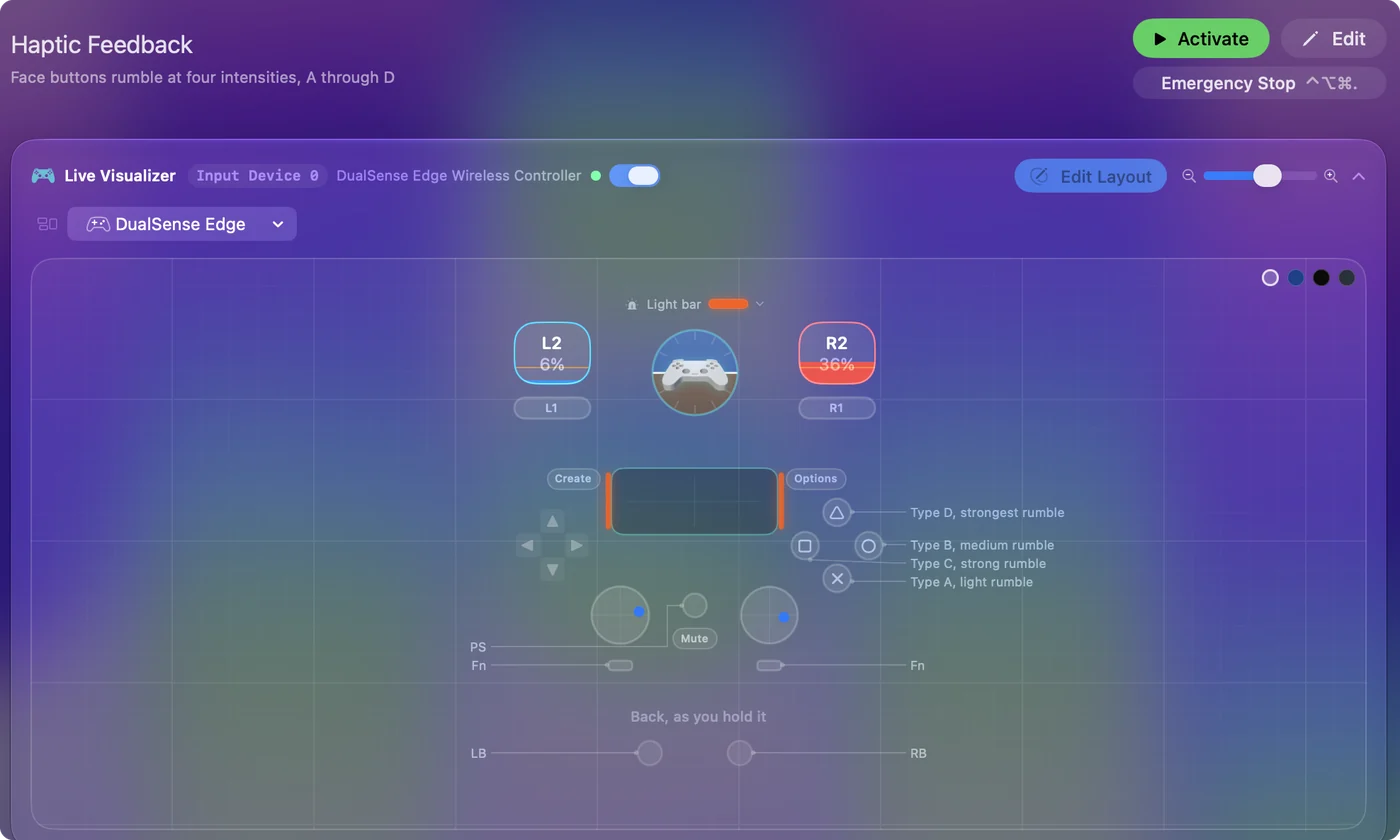
| Light bar and vibration | InputConfig sets the light bar and a trigger feel per preset, and can vibrate the controller per button |
Firmware and editing Edge profiles need a PS5 or a PC, and everything else has a Mac route.
Map the controller on the Mac
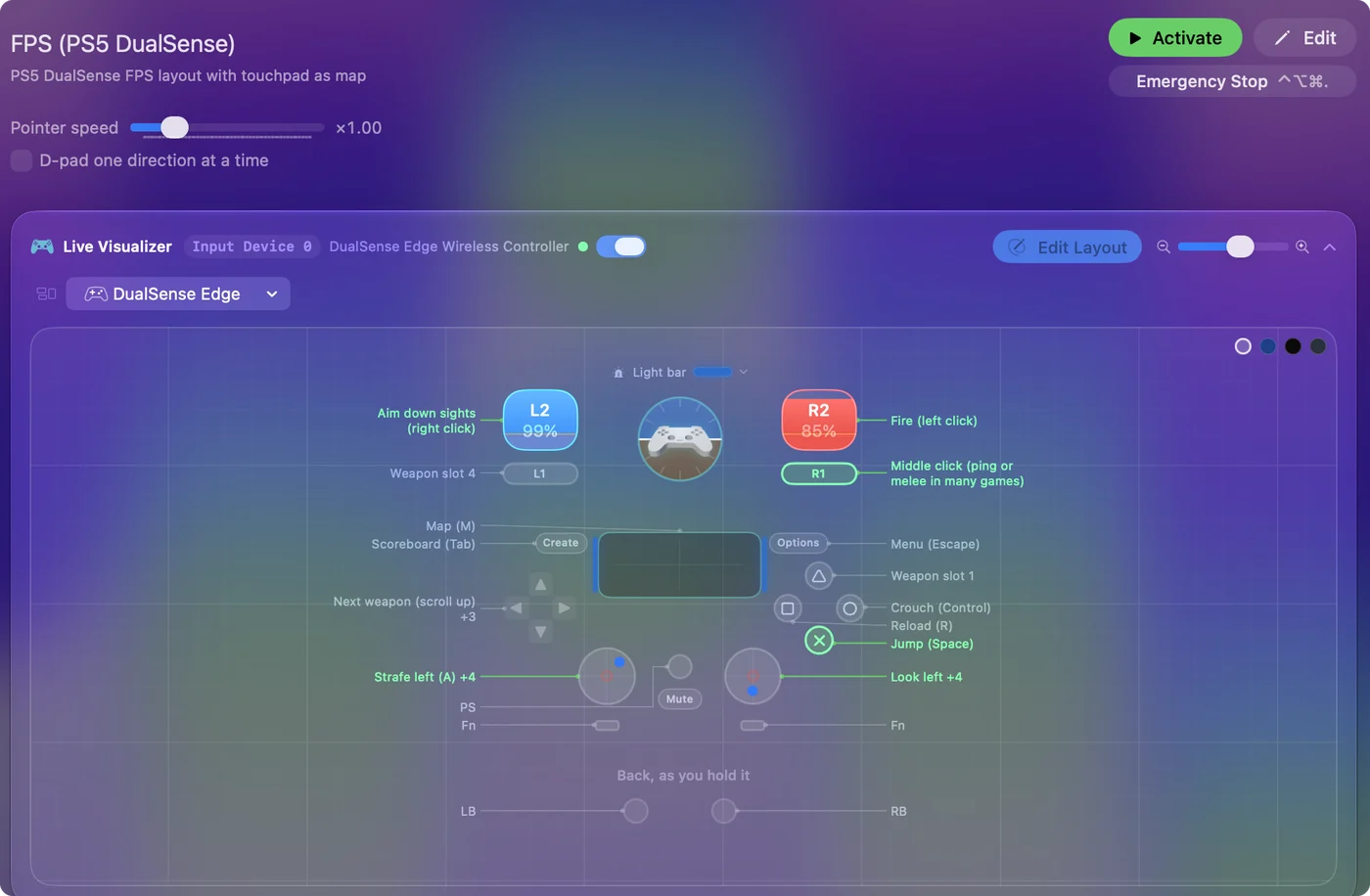
- You: Open InputConfig, add a row, press Scan, and press a button on the DualSense.
- InputConfig: Records which button it is.
- Check: Choose what it sends: a key, a click, a shortcut, a macro, or pointer movement from a stick.
Every control is available: the face buttons, the D-pad, both sticks and triggers, Create, Options, the touchpad as a click or as a trackpad, the mute button, and motion. On a Mac, every DualSense control can be given a job without Sony's app. PS5 controller keyboard mapping on a Mac has a full layout.
Update the firmware somewhere else
Sony updates a DualSense on a PS5, or on a Windows PC through PlayStation Accessories. The app shows the current firmware version and an Update button when a newer one is waiting. The update stays in the controller, so a few minutes on a friend's console or laptop is enough. A Mac rarely needs the update, and when it does, a few minutes on a borrowed PS5 or PC takes care of it. PS5 controller firmware update on a Mac has each route.
Carry DualSense Edge profiles over
An Edge's profiles are edited on a PS5 or in PlayStation Accessories on a PC, and Sony says they are stored on the controller, so they come along to the Mac. One thing to watch: a profile that makes a back paddle copy another button sends both on a Mac, so the paddle seems to do two things. For paddles with jobs of their own, leave them unassigned in the profile and bind them in InputConfig, which reads the paddles and FN buttons directly. Over USB-C, InputConfig also reads the four stored profiles and lists each one's name and what it remaps, so you can see which profile copies what before you bind anything. Profiles live in the controller, and mappings made on the Mac live on the Mac. The DualSense Edge in InputConfig has the details.
Use the newer pairing slots
A recent DualSense can stay paired with up to four devices and switch between them with the PS button and a face button, which removes most of the pairing back and forth between a Mac and a PC or console. If those buttons do nothing, the controller may need the update above first. Once updated, one controller can live on the Mac and the PS5 without pairing again each time. A PS5 controller on multiple devices has the buttons.
The short version
- The app. It only runs on Windows.
- Mapping, light bar, paddles. A mapper handles all three on the Mac.
- Updates and Edge profile edits. Do these once, on a PS5 or a PC. InputConfig shows the profiles on the Mac.
Sony's app has no Mac version, but a Mac user only needs it for the occasional update.
Questions
Can you download PlayStation Accessories on a Mac?
No. Sony offers it as a Windows download only, for Windows 10 (64 bit) and Windows 11.
How do I update a PS5 controller without PlayStation Accessories on a Mac?
A Mac cannot update it. Use a PS5, or a Windows PC with PlayStation Accessories. The update stays in the controller.
How do I customize a DualSense on a Mac?
With a mapper. InputConfig, free on the Mac App Store, gives each button, stick, the touchpad and the Edge's paddles a job, and sets the light bar.
Do DualSense Edge profiles work on a Mac?
Sony says profiles are stored on the controller, so ones made on a PS5 or a PC come along. They cannot be edited on a Mac, but InputConfig reads all four over USB-C and lists what each one remaps.
Is there any Sony app for the DualSense on a Mac?
No. On a Mac the controller is handled by macOS, by games, and by third-party apps such as InputConfig.
Related
Updated