MidiKey2Key for Mac
 InputConfig is completely free on the Mac App Store. You don't have to make an account, there are no subscriptions, and nothing is locked. Optimized for Apple silicon.
There is no Mac version of MidiKey2Key. It is free Windows software that turns MIDI notes and controls into keystrokes. On a Mac, InputConfig, free on the Mac App Store, does the same job: a pad, a key or a knob on a MIDI device becomes a key, a shortcut, a click or a system function.
Steps
- Connect the MIDI device to the Mac.
- Install InputConfig and allow it in Accessibility.
- Make a row, click Scan and press the pad or key.
- Choose the keystroke or shortcut it should send.
- Activate the preset and press the pad.
Match what you did in MidiKey2Key
| In MidiKey2Key | In InputConfig |
|---|---|
| A MIDI event triggers a key | A row with the note or CC as the input and a Keyboard Key output |
| A key with modifiers | A Keyboard Key output with Command, Option, Control or Shift |
| Start a program | An App Action that opens an app |
| Learn the MIDI event | Scan, then press the pad or key |
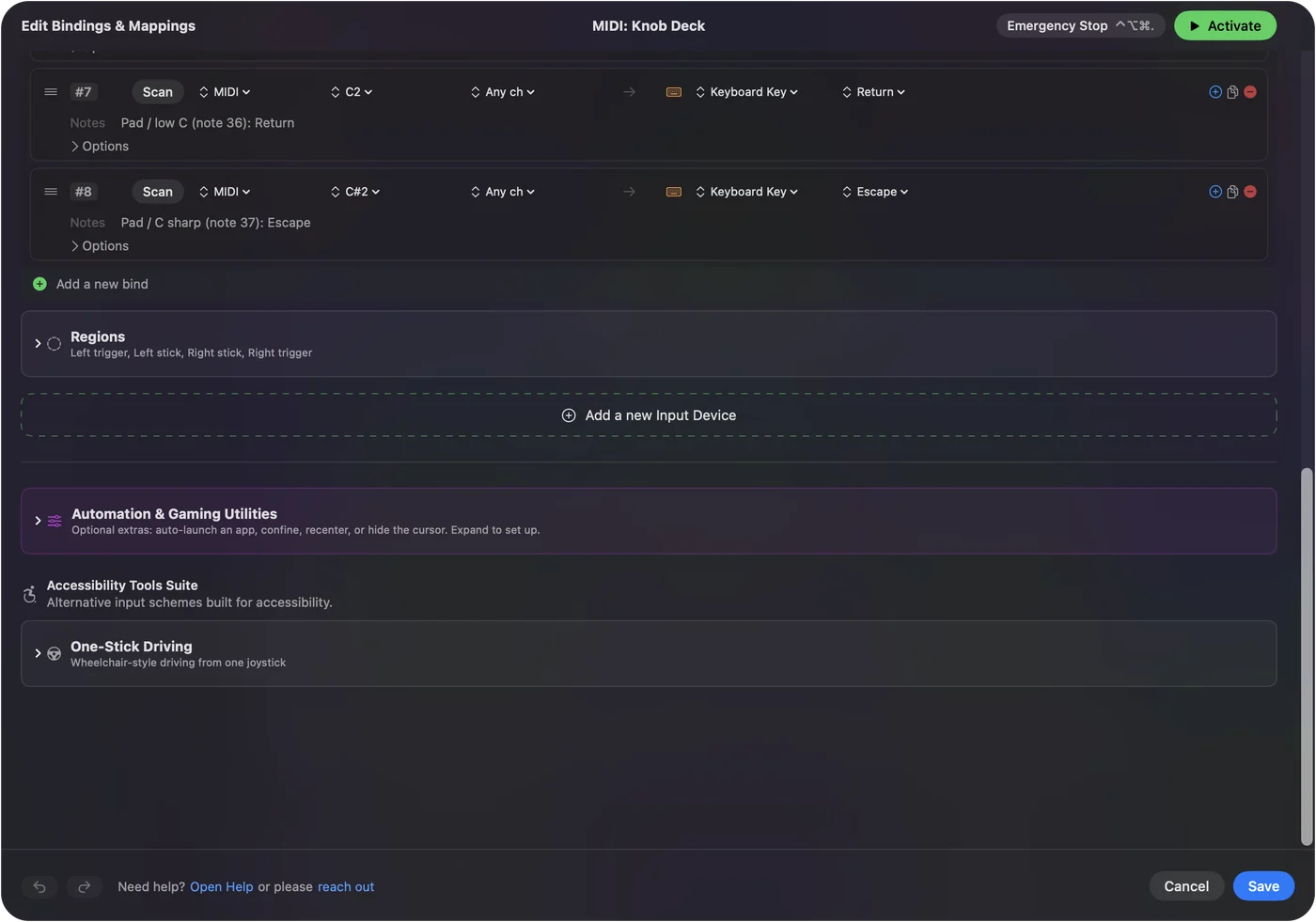
Map a pad to a key
- You: Make a row, click Scan, and press the pad, key or button on the MIDI device.
- InputConfig: Fills the input with that note or controller, then sends the output you choose each time it arrives.
- Check: Open a text note and press the pad. The key arrives there.
A knob can work three ways: as a fader that sets a value, as a dial that scrolls, or as turns that each send one press. MIDI devices as input explains the three modes. Scan reads the pad for you, so there is no note number to look up.
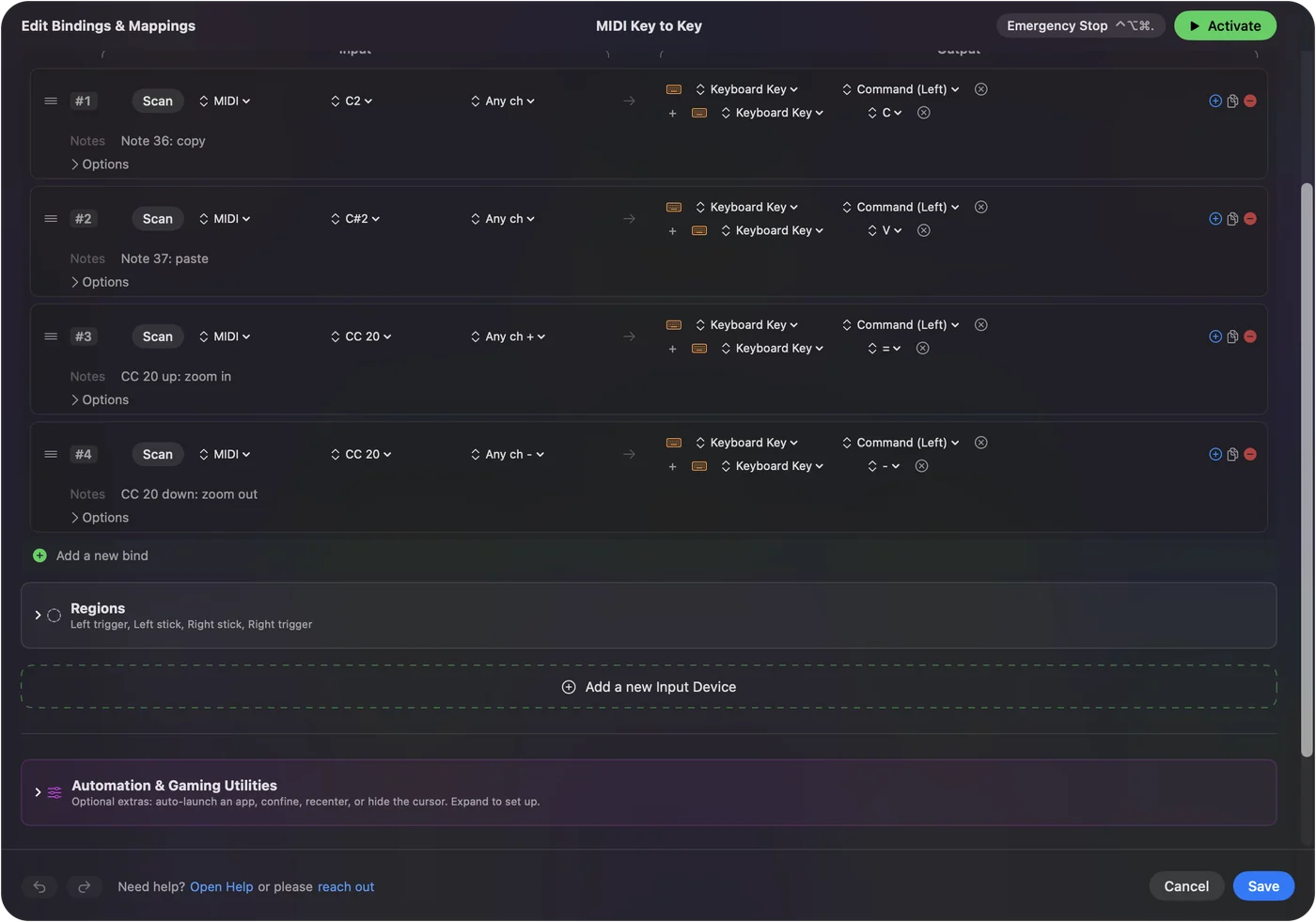
The short version
- MidiKey2Key. Windows only.
- On a Mac. InputConfig, free, maps MIDI to keys, shortcuts, clicks and system functions.
- Other options. MIDI to keystroke apps for Mac compares the rest.
Questions
Is MidiKey2Key available for Mac?
No. MidiKey2Key runs on Windows only. InputConfig is a free Mac app that maps MIDI notes, pads and knobs to keystrokes and shortcuts.
How do I turn MIDI into keystrokes on a Mac?
Install InputConfig, make a row, click Scan and press the pad or key, then choose the key or shortcut it should send.
Related
Updated