Is there a loopMIDI for Mac?
 InputConfig is completely free on the Mac App Store. You don't have to make an account, there are no subscriptions, and nothing is locked. Optimized for Apple silicon.
No. loopMIDI is Windows software: loopMIDI's own page describes it as a virtual loopback MIDI cable for Windows. A Mac does not need it, because macOS ships with the same thing, the IAC Driver. Turn it on once in Audio MIDI Setup and any app on the Mac can send MIDI to any other.
The steps below are Apple's. I make InputConfig, a free Mac app that sends and receives MIDI, so the end of the page covers where a virtual port is not needed at all.
On this page
Steps
- Open Audio MIDI Setup and choose Window, Show MIDI Studio.
- Double-click IAC Driver and select Device is online.
- Click the Add button below the list of ports to add a bus, then click Apply.
- Choose the bus as the MIDI output in one app and as the MIDI input in the other.
Turn on the Mac's built-in loopback
- You: Open Audio MIDI Setup, in Applications, Utilities. Choose Window, Show MIDI Studio, double-click IAC Driver and select Device is online. Add a bus with the Add button below the list of ports, then click Apply.
- The Mac: Creates a MIDI port that every app can send to and listen to.
- Check: The bus appears in each music app's MIDI settings as an output and as an input.
There is nothing to download, because the driver is already on every Mac. Apple's page is Transfer MIDI information between apps.
Match loopMIDI's words to the Mac's
| In loopMIDI, on Windows | On a Mac |
|---|---|
| A loopback MIDI port | An IAC bus, which Apple notes is sometimes called a port |
| The loopMIDI app, which creates the ports | The IAC Driver, inside Audio MIDI Setup |
| Ports exist only while loopMIDI is running | Buses are there whenever Device is online is selected, with no app to keep open |
| An option to start loopMIDI each time you log on | Nothing to start: the buses are part of the Mac's MIDI setup |
A loopMIDI port and an IAC bus are the same idea: a cable with both ends inside the computer.
Know what does not carry over
A project that was set up on Windows names its loopMIDI ports, and a Mac has no port by that name. Open the project's MIDI settings on the Mac and choose the IAC bus in their place, once for the sending app and once for the receiving app. The routing has to be picked again, but the idea and the result are the same. Renaming the bus after its job, by double-clicking it in the IAC Driver's list, makes it easy to find in every app.
Avoid a MIDI loop
A loopback port hands back whatever is sent to it. An app that sends to a bus and also listens to it can hear its own output and send it round again, which sounds like doubled or stuck notes. Give each app one direction on a bus: one sends and the other receives. The IAC Driver on a Mac goes further into buses.
Send to the bus from a web page or a controller
- A web page. In Chrome, Edge or Firefox, the virtual MIDI controller and the virtual MIDI keyboard can send pads, faders and notes to an IAC bus.
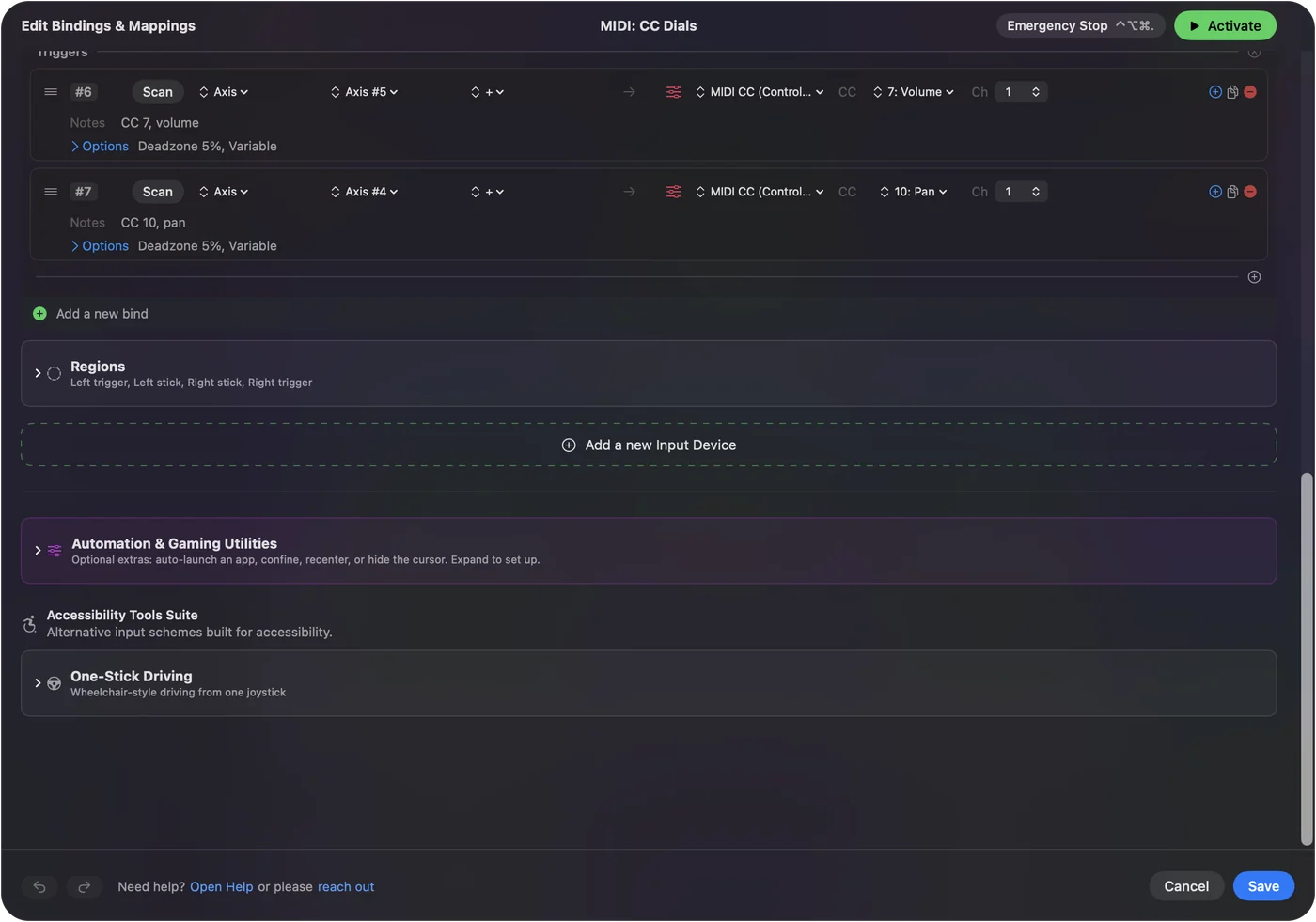
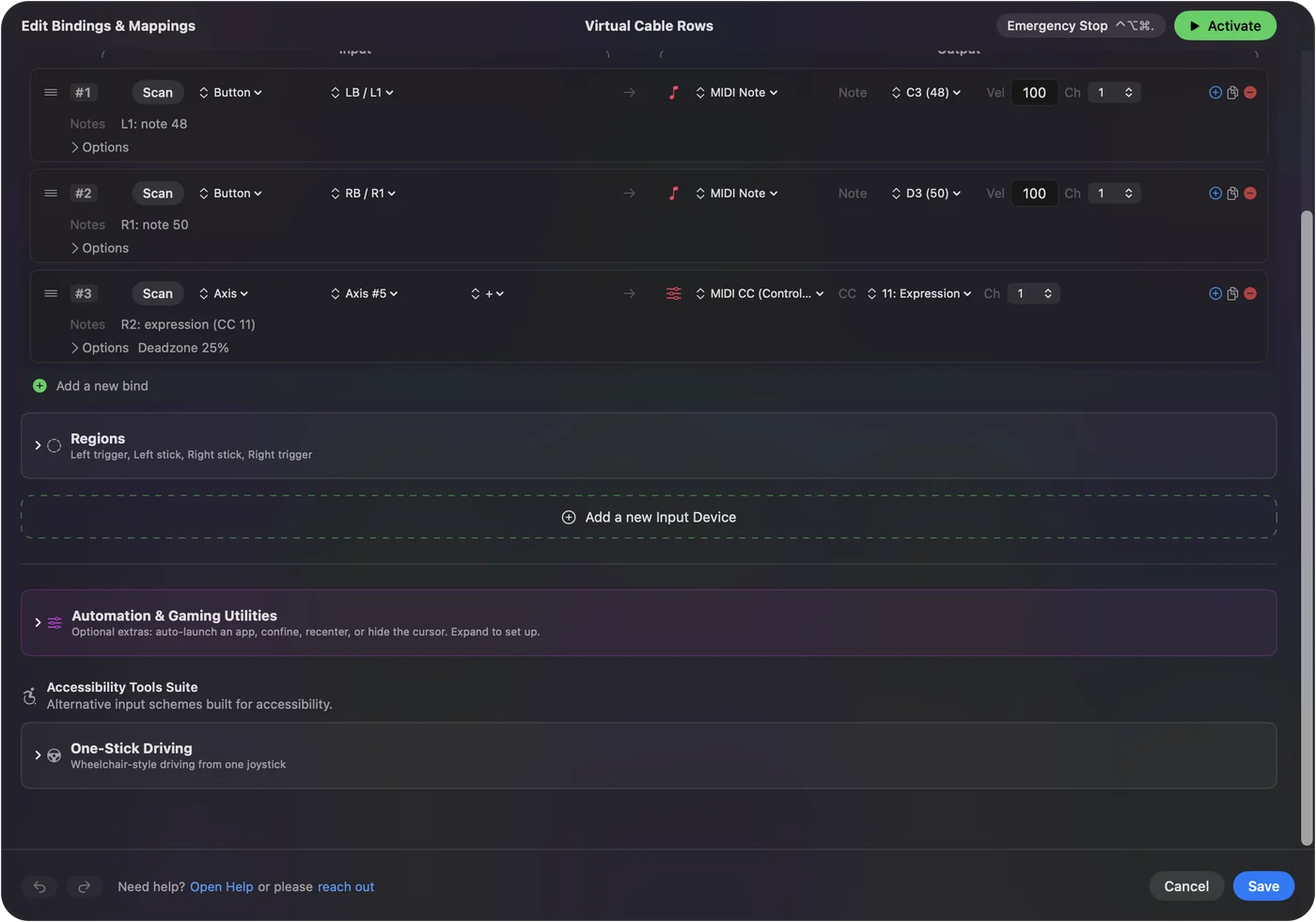
- A game controller. InputConfig sends notes and Control Change from controller buttons, sticks and triggers. It has a virtual port of its own, named InputConfig, so it needs no IAC bus to reach a music app.
- Between two computers. A bus stays inside one Mac. For a Mac and a PC, see MIDI over a network on a Mac.
An app that makes its own port does not need the IAC Driver at all.
The short version
- loopMIDI. It only runs on Windows.
- The Mac's answer. That is the IAC Driver, and it is already built in.
- Where. Audio MIDI Setup, Window, Show MIDI Studio, IAC Driver, Device is online.
On a Mac the virtual MIDI cable is a checkbox, not a download.
Questions
Is loopMIDI available for Mac?
No. Its own page lists Windows only. A Mac has the same feature built in, the IAC Driver in Audio MIDI Setup.
What is the Mac equivalent of loopMIDI?
The IAC Driver. Open Audio MIDI Setup, choose Window, Show MIDI Studio, double-click IAC Driver, select Device is online and add a bus.
Is the IAC Driver free?
Yes. It is part of macOS and needs no download.
Do IAC buses disappear when I restart?
No. They are part of the Mac's MIDI setup and stay until you remove them or clear Device is online.
Can the IAC Driver send MIDI to a Windows PC?
No. It connects apps on one Mac. Between computers, use the Mac's MIDI network driver, which is also in Audio MIDI Setup.
Related
This page in other languages: ไทย, 繁體中文
Updated