How to connect an 8BitDo Zero 2 to a Mac
 InputConfig is completely free on the Mac App Store. You don't have to make an account, there are no subscriptions, and nothing is locked. Optimized for Apple silicon.
Hold A and Start to turn the Zero 2 on in its macOS mode, hold Select for three seconds until the light blinks fast, then pick Wireless Controller in System Settings, Bluetooth. Those are the steps in 8BitDo's manual. The Zero 2 has no mode switch: the button you hold with Start as you turn it on chooses the mode, and it has to be chosen again each time you want a different one.
I make InputConfig, a free Mac app that maps the Zero 2's buttons to keys, clicks and shortcuts. This page is built from 8BitDo's manual and support pages.
On this page
Steps
- With the pad off, hold A and Start until it turns on. The light blinks three times per cycle.
- Hold Select for three seconds, until the light blinks rapidly.
- Open System Settings, Bluetooth, and click Connect next to Wireless Controller.
- Wait for the light to turn solid.
- Next time, press Start and it reconnects by itself.
Pick the mode as you turn it on
These are the combinations in 8BitDo's manual for the Zero 2:
| Hold with Start | Mode | What the Mac lists |
|---|---|---|
| A | macOS | Wireless Controller |
| R | Keyboard | 8BitDoZero 2 gamepad, as a keyboard |
| Y | Switch | For a Nintendo Switch |
| X | Windows, X-input | For a Windows PC |
| B | Android, D-input | For an Android device |
On a Mac, use A and Start for a gamepad, or R and Start for a keyboard.
Pair it in macOS mode
- You: Hold A and Start to turn the pad on, then hold Select for three seconds.
- macOS: Lists Wireless Controller in System Settings, Bluetooth. Click Connect.
- Check: The light on the pad stops blinking and stays on.
Once paired, 8BitDo says the Zero 2 reconnects to the Mac with one press of Start. It works over Bluetooth only: the USB port is for charging and firmware updates. The cable charges the Zero 2 and does not connect it.
Choose what the D-pad sends
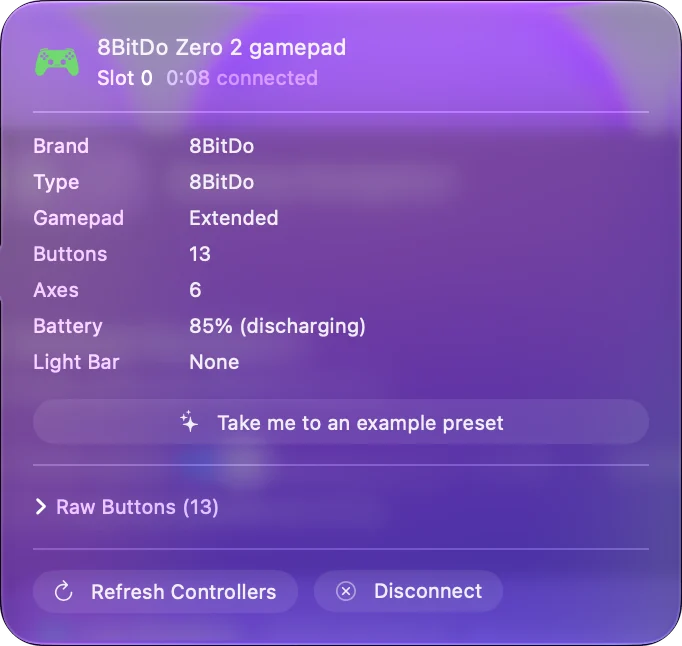
The Zero 2 has no sticks, and by default its D-pad reports as the left stick. Hold one of these for five seconds to change it, until the light blinks red:
- Up and Select. A D-pad.
- Left and Select. The left stick.
- Right and Select. The right stick.
If a game or a mapper sees a stick where you expected a D-pad, this setting is why.
Map it in InputConfig
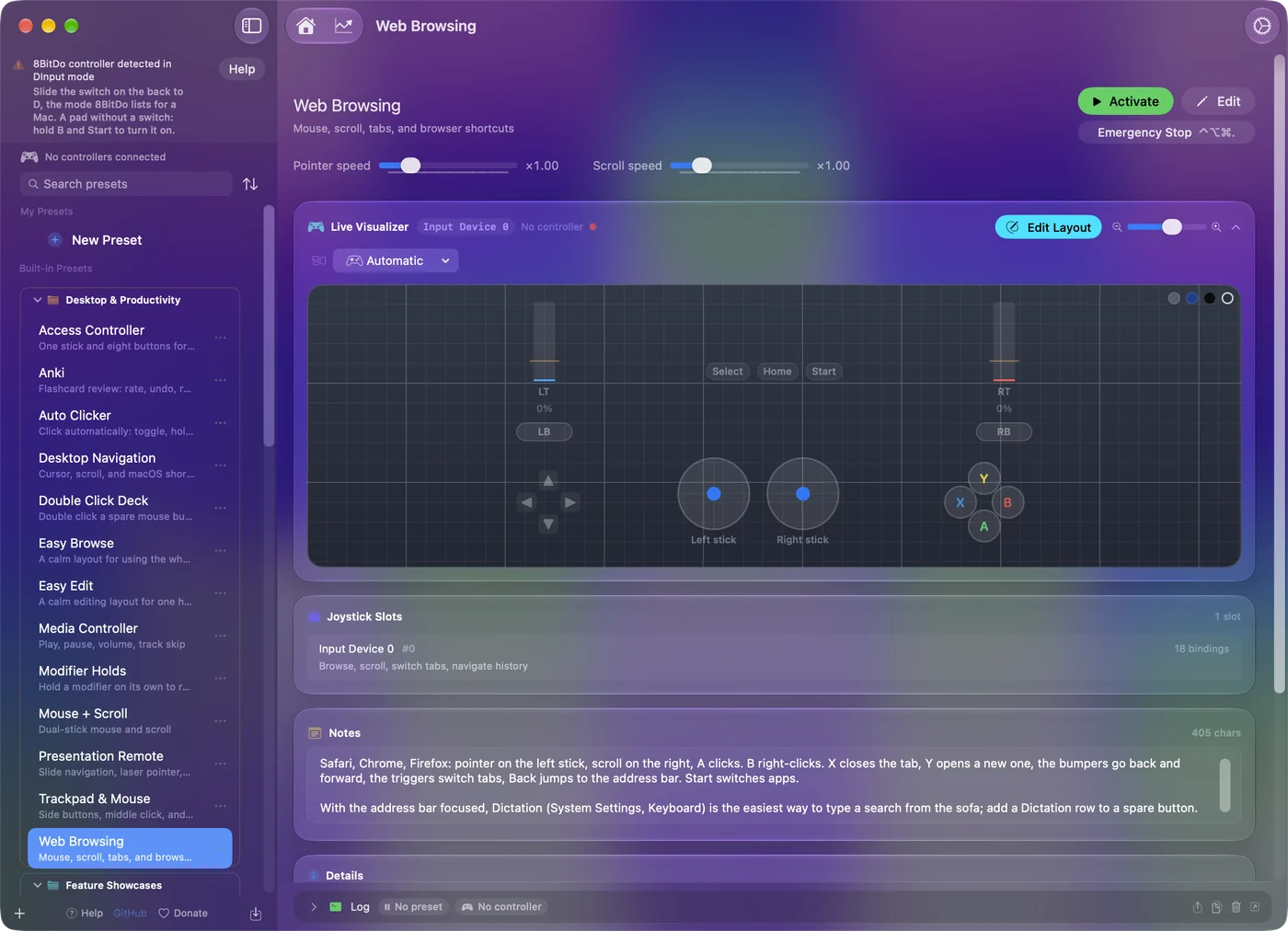
- You: With the Zero 2 paired as a gamepad, add a row to a preset, press Scan, and press a button on the pad. Choose the output: a key, a shortcut, a click or scrolling.
- InputConfig: Binds the row to whatever the button sends. If the pad is not in the sidebar, tick it under InputConfig, Devices in the menu bar.
- Check: Activate the preset and press the button in any app.
The Anki guide has a layout for it. The Zero 2 has no sticks or triggers, so only the face buttons, the two shoulder buttons, Select, Start and the D-pad carry rows. Twelve inputs is enough for a whole review session or a page of shortcuts.
Use keyboard mode instead
Hold R and Start to turn the pad on, hold Select for three seconds, and pair with the device named 8BitDoZero 2 gamepad. The Mac then sees a Bluetooth keyboard, and each button types a key with no app at all. 8BitDo's manual adds one condition: the input language on the device should be English.
The letters are 8BitDo's choice. In gamepad mode a mapper decides instead, and setting up an Anki remote on a Mac compares the two. Keyboard mode needs no app, and gamepad mode lets you choose every key.
8BitDo Zero 2 not connecting to Mac
If your Zero 2 will not connect to a Mac, it is nearly always the mode, or an old pairing it keeps returning to. Climb this ladder, smallest step first:
- Turn it on in the right mode. A and Start, held together from off. Start alone only reconnects to a device it is already paired with.
- Forget it and pair again. Remove it in System Settings, Bluetooth, then hold Select for three seconds.
- Force it off. 8BitDo says to hold Start for eight seconds if the pad freezes, then press Start again.
- Check other devices that remember it. A Zero 2 still paired to a phone or a Switch can reconnect there instead. Switch their Bluetooth off, or remove it on them, then pair with the Mac.
- Update the firmware. The Zero 2's firmware can be upgraded with 8BitDo's Upgrade Tool, over the USB cable.
A Zero 2 that pairs and does nothing is usually in a mode meant for another system.
The short version
- Gamepad. Hold A and Start, then Select for three seconds, then pick Wireless Controller in Bluetooth settings.
- Keyboard. Hold R and Start, then Select for three seconds.
- D-pad. Up and Select for five seconds makes it a D-pad.
The button you hold with Start is the mode switch on a Zero 2.
Sources
Every fact about the controller on this page comes from 8BitDo's own pages, read on the date shown. What InputConfig does with it comes from the app itself.
- 8BitDo. The Zero 2 manual's macOS page gives the steps: the two-button press that turns it on in its macOS mode, Select held for three seconds, and the name Wireless Controller in the Bluetooth list. Read October 7, 2026.
Questions
Why is my 8BitDo Zero 2 not connecting to my Mac?
Turn it on in macOS mode, with A and Start held together from off, then hold Select for three seconds until the light blinks fast. Remove any old Zero 2 entry in System Settings, Bluetooth first, and check that no phone or Switch nearby has it paired.
Does the 8BitDo Zero 2 work on a Mac?
Yes. 8BitDo lists macOS among the systems the Zero 2 works with, and its manual gives a macOS mode: hold A and Start to turn it on, hold Select for three seconds, and pair with Wireless Controller.
How do I put the 8BitDo Zero 2 in Mac mode?
With the pad off, hold A and Start together until it turns on. The light blinks three times per cycle in macOS mode.
Can the 8BitDo Zero 2 connect to a Mac by USB?
No. 8BitDo says the USB connection is for firmware upgrades and charging only. It connects over Bluetooth.
Why does the Zero 2 D-pad act like a stick?
Its D-pad reports as the left stick by default. Hold Up and Select for five seconds to make it a D-pad, or Left or Right with Select for the left or right stick.
Can I use an 8BitDo Zero 2 for Anki on a Mac?
Yes. In keyboard mode, R and Start, each button types a key with no app. In macOS mode InputConfig maps each button to the key you choose.
Related
This page in other languages: Français, 繁體中文, 简体中文
Updated